Robots can turn an ordinary afternoon into a lively mix of building, movement, and imaginative play. Yet many robot toys also rely on apps, animated instructions, or virtual rewards that keep children looking at a screen. A few minutes can easily become much longer. The goal is not to remove technology from play, but to make room for hands-on discovery, conversation, and breaks.
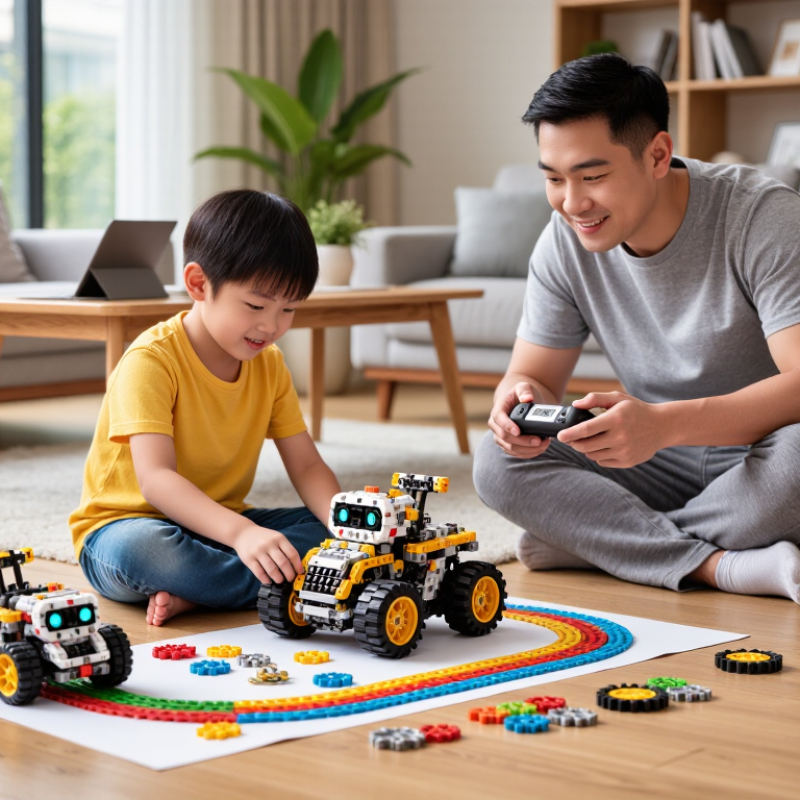
So, how to limit screen time while playing with robots? Start by checking what the robot actually needs: some models require a brief setup, while others offer app-free controls. Set a clear stopping point before play begins, such as one timed coding challenge or a short building session. Then invite the child to test the robot on the floor, draw a route on paper, or invent a mission using household objects. Keep the screen nearby only when it serves a purpose. Small changes matter.
A kitchen timer can signal a pause without turning play into a battle. Adults can join in, ask the child to explain a robot’s next move, and notice when frustration or tiredness appears. These cues are useful, though not perfect; one family’s routine may not suit another. Some days, the plan will slip. That is worth reflecting on, not treating as failure. This guide explores practical ways to balance digital features with active, creative robot play in 2026, while keeping the child’s interests, age, and family routines in view.
Audit Robot-App Use Against Common Sense Media’s 2021 Baselines: 5h 33m for Tweens, 8h 39m for Teens
A robot can make screen time feel active: a child gives commands, watches its wheels turn, then adjusts a sensor. Still, the app is screen use. Common Sense Media’s 2021 estimates put daily recreational media use at 5 hours 33 minutes for tweens and 8 hours 39 minutes for teens. These figures exclude schoolwork. They describe broad media habits, not recommended limits or robot-app time alone.
Use them as context, not permission to fill every spare hour. For one week, note robot-app minutes alongside videos, games, and social media. A kitchen timer and a simple paper log can reveal whether a 15-minute build quietly becomes an hour. That happens. Set a stopping point before play begins, such as finishing one coding challenge or testing the robot across the living room. Keep the device nearby, but let the robot do the moving.
The numbers can also prompt a useful family conversation: what did the screen time replace? If a session cuts into sleep, outdoor play, or an unhurried meal, shorten it. If the child is building, troubleshooting, and sharing ideas, the experience may be more engaging than passive viewing, but it still needs breaks. I would not treat every minute equally; that is an imperfect measure, and families may need to revise their limits after seeing real routines.
Set Preschool Robot-App Limits: WHO Recommends No More Than 1 Hour for Ages 2–4
For children aged 2–4, a robot app should fit inside a small screen-time budget, not quietly stretch it. The World Health Organization’s 2019 guidelines recommend no more than one hour of sedentary screen time daily for this age group; less is better. That hour covers screens across the day, not just robot play. A short timer can help: when it rings, park the robot, close the app, and move to a hands-on activity.
The Common Sense Census: Media Use by Kids Zero to Eight, 2020, reported an average of 2 hours and 24 minutes of daily screen media use among children under eight. That figure includes younger children and is a survey average, not a preschool target. Still, it shows how quickly short sessions can add up. Try a ten-minute robot activity at the kitchen table, then invite your child to build a cardboard “garage” or guide the robot through a cushion maze without the screen.
Stay nearby. Ask your child to predict where the robot will turn, then let them try. Stop if play becomes frustrating or the app keeps prompting for more attention. I would not treat every robot session as educational; some are simply entertaining, and that is worth noticing. WHO guidance also emphasizes active play, sleep, and shared interaction, so protect time for those too.
How to Limit Screen Time While Playing With Robots in 2026? - Set Preschool Robot-App Limits: WHO Recommends No More Than 1 Hour for Ages 2–4
| Age |
WHO sedentary screen-time guidance |
How robot-app time counts |
Practical daily plan |
Screen-free robot play |
| 2 years |
No more than 1 hour per day; less is better. |
Count time spent watching or using a screen with a robot app as part of the child’s total sedentary screen time. |
Choose a short, planned app session and include it within the daily total for all screen activities. This is a household planning example, not a separate WHO limit. |
Try building, pretend play, movement games, or talking with a robot toy without a screen. |
| 3 years |
No more than 1 hour per day; less is better. |
Robot-app use does not add extra time above the daily screen-time guidance. |
Set a clear start and stop time, and finish the app session before moving to an offline activity. |
Invite the child to give the robot directions, sort objects, or act out a story together. |
| 4 years |
No more than 1 hour per day; less is better. |
Include screen-based robot activities in the same daily total as other sedentary screen activities. |
Agree on the limit together, use a timer if helpful, and keep screens off during meals and before bedtime routines. |
Use the robot for screen-free movement, turn-taking, simple problem-solving, or imaginative play. |
Note: The World Health Organization’s guidelines for children under 5 recommend no more than 1 hour of sedentary screen time per day for children aged 2–4; less is better. This limit applies to total sedentary screen time, not just robot apps. The practical planning ideas above are suggestions, not additional WHO recommendations.
Create Age-Based Robot-App Rules with the AAP Family Media Plan
A robot can invite children to build, move, and problem-solve, but its companion app still adds screen exposure. Set rules for the app, not just the toy. The American Academy of Pediatrics’ Family Media Plan helps families create routines around a child’s age, sleep, schoolwork, and play.
For children under 18 months, avoid screen media except video calls; from 18 to 24 months, choose quality content and watch together. For ages two to five, the AAP advises limiting screen use to one hour daily. Older children need consistent limits that protect sleep and physical activity.
Make the rules concrete. A preschooler might use the robot app for 15 minutes with an adult, then switch to building with the robot on the rug. An older child might earn two short app sessions after homework and outdoor play.
Keep it visible. The AAP plan encourages families to set screen-free times and places, such as meals and bedrooms.
Common Sense Media’s 2021 Census reported that children aged zero to eight averaged 2 hours and 24 minutes of screen media daily in 2020. That figure covers many kinds of media, not robot apps alone, but it shows why small sessions can add up.
Review the plan together when routines change. Some days will go off track. Notice what happened, adjust the rule, and try again.
Balance Robot Screen Sessions with WHO’s 60-Minute Daily Activity Target for Ages 5–17
How to Limit Screen Time While Playing With Robots in 2026?
Robot play can invite movement, but a bright control screen can quietly turn an active game into sitting. The WHO’s 2020 Guidelines recommend that children and adolescents aged 5–17 average at least 60 minutes of moderate-to-vigorous physical activity daily across the week. Keep that target visible, not just the screen timer.
Make robot sessions movement-first: place the robot across the room, build a short obstacle route, and ask children to walk, squat, or carry puzzle pieces between commands. Try a 20-minute session, then switch to a screen-free outdoor game. Small changes count. The WHO’s 2022 Global Status Report on Physical Activity says 81% of school-going adolescents aged 11–17 did not meet activity recommendations, based on 2016 data. That figure is sobering, though it does not describe every child or every kind of play.
Set a clear endpoint before play starts, such as three missions or one timer. Keep charging stations and spare parts away from bedrooms, and pause when movement fades into tapping. A robot can support curiosity and coordination; it cannot replace running, cycling, or active play with others. I would not treat every minute with a device as harmful. The harder question is whether the child’s body is moving enough that day. Parents can track active minutes for a week, then adjust the routine without turning play into a test.
Review Weekly Screen-Time Logs and Adjust Robot Play Limits with Your Family
How to Limit Screen Time While Playing With Robots in 2026?
Check the weekly screen-time log together, not just the daily total. Common Sense Media’s 2021 Census reported that children aged zero to eight averaged two hours and 24 minutes of screen media each day. That figure is a useful prompt, not a target for every child. Separate time spent programming or watching a robot from hands-on play without a screen. A simple paper log can help when device reports miss shared screens.
Choose a weekly limit as a family, then write down when robot-related screen use is allowed. For example, agree on two 20-minute programming sessions after homework, with a kitchen timer nearby. The World Health Organization recommends no more than one hour of sedentary screen time daily for children aged two to four; less is better. For younger children, follow age-appropriate guidance and ask a health professional if unsure. Keep the agreement flexible.
On Sunday, compare the log with your plan. Ask what felt fun, what dragged on, and whether sleep, outdoor play, or chores were squeezed. Adjust one thing for the next week, such as shortening a session or adding a screen-free building challenge. Small changes matter. Logs can be imperfect: they may miss a quick setup or shared viewing. We may still misjudge what counts as play. Talk it through, and make the next limit together.
Review Weekly Robot Screen-Time Logs
Illustrative example: compare daily robot screen time with limits agreed on as a family. Use your own weekly log to decide whether the limits need adjusting.
In this example, screen time exceeded the agreed limit on Wednesday and Saturday. Review the log together and adjust the plan to fit your family’s routines.
Conclusion
How to limit screen time while playing with robots? Start by checking how much time your child already spends using screens, including robot-related apps. Use the figures of 5 hours and 33 minutes for tweens and 8 hours and 39 minutes for teens as comparison points, not goals. For preschoolers ages 2–4, keep screen use to no more than one hour a day, and choose age-appropriate activities that leave plenty of room for sleep, conversation, and offline play.
Set clear, age-based rules together, such as when robot-app sessions can happen and how long they last. Balance screen-based play with movement: children and teens ages 5–17 should get about 60 minutes of physical activity each day. Review screen-time logs weekly as a family, notice what is working, and adjust limits when routines or needs change. A predictable plan helps children enjoy interactive robot play while keeping screens in balance with the rest of daily life.
 Buddy robotics