1 / 5
 Buddy robotics

| Model NO. | 150511 |
| Age Range | All Ages |
| Description | Stem Education Robot Kit |
| Mainboard | Elf Mini V2.1 |
| Mounting Type | Screwed |
| Application | Microbit Robot Kit / STEAM Education |
| Program Software | WeeeCode (Scratch 2.0 & 3.0), Arduino IDE |
| Origin | China |
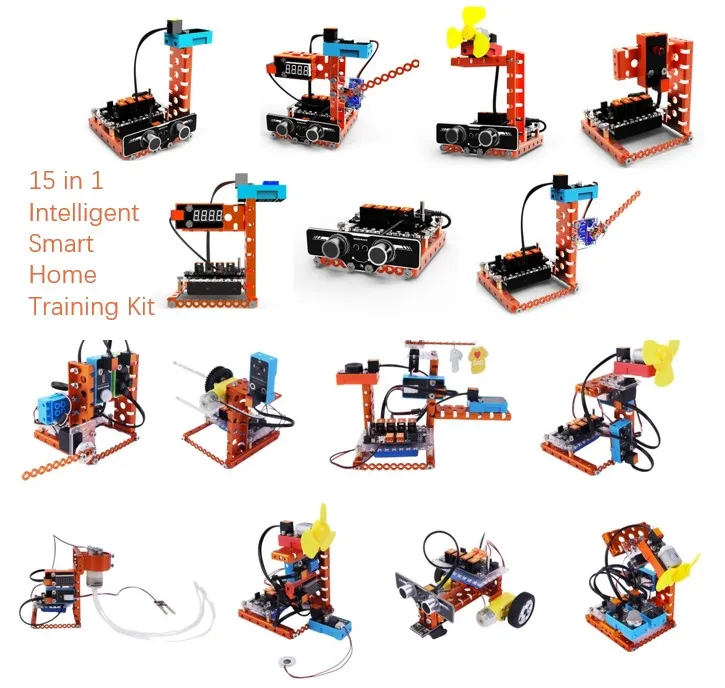
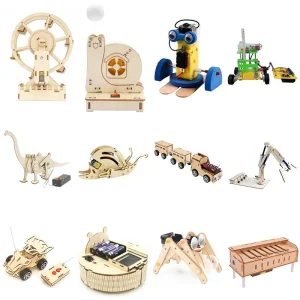
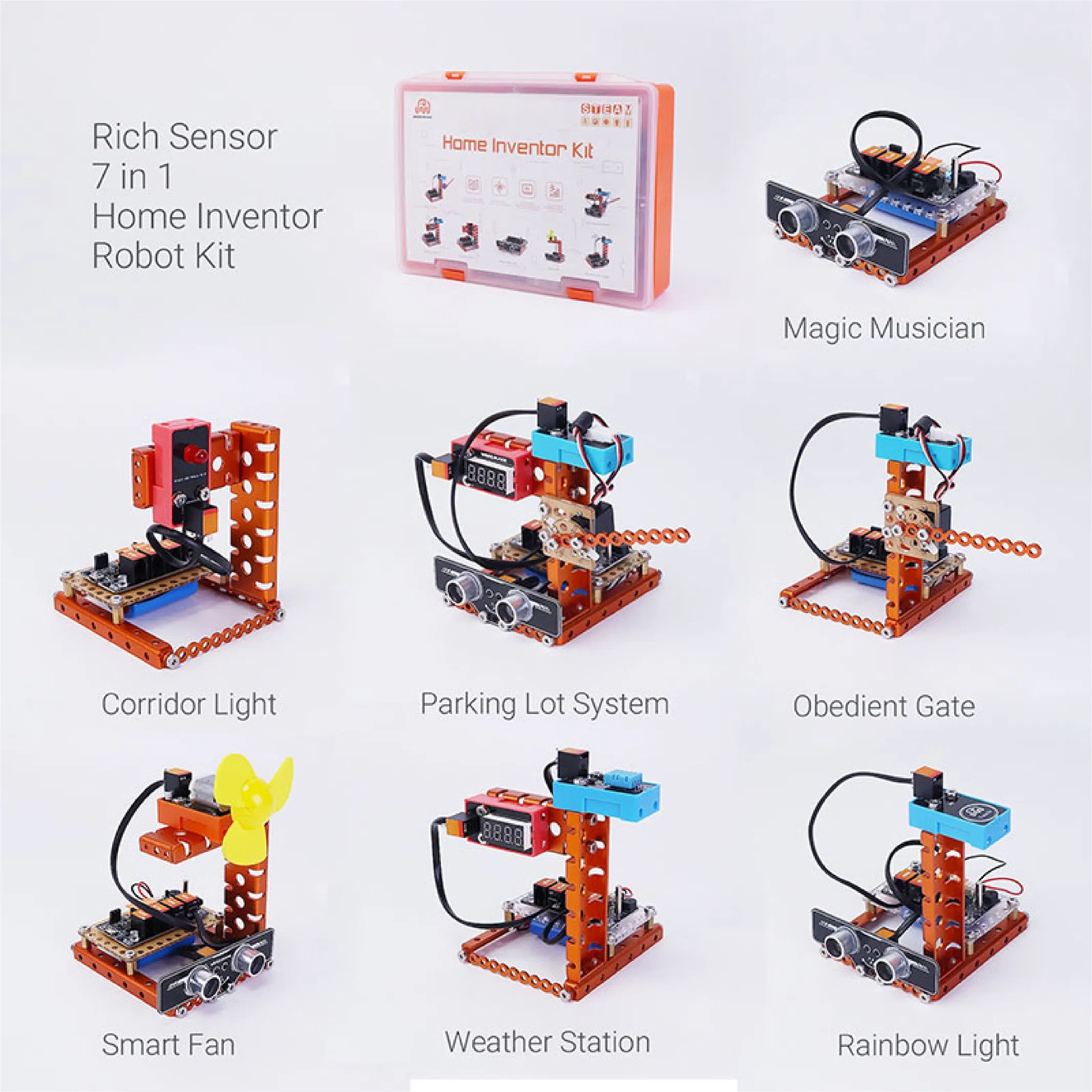
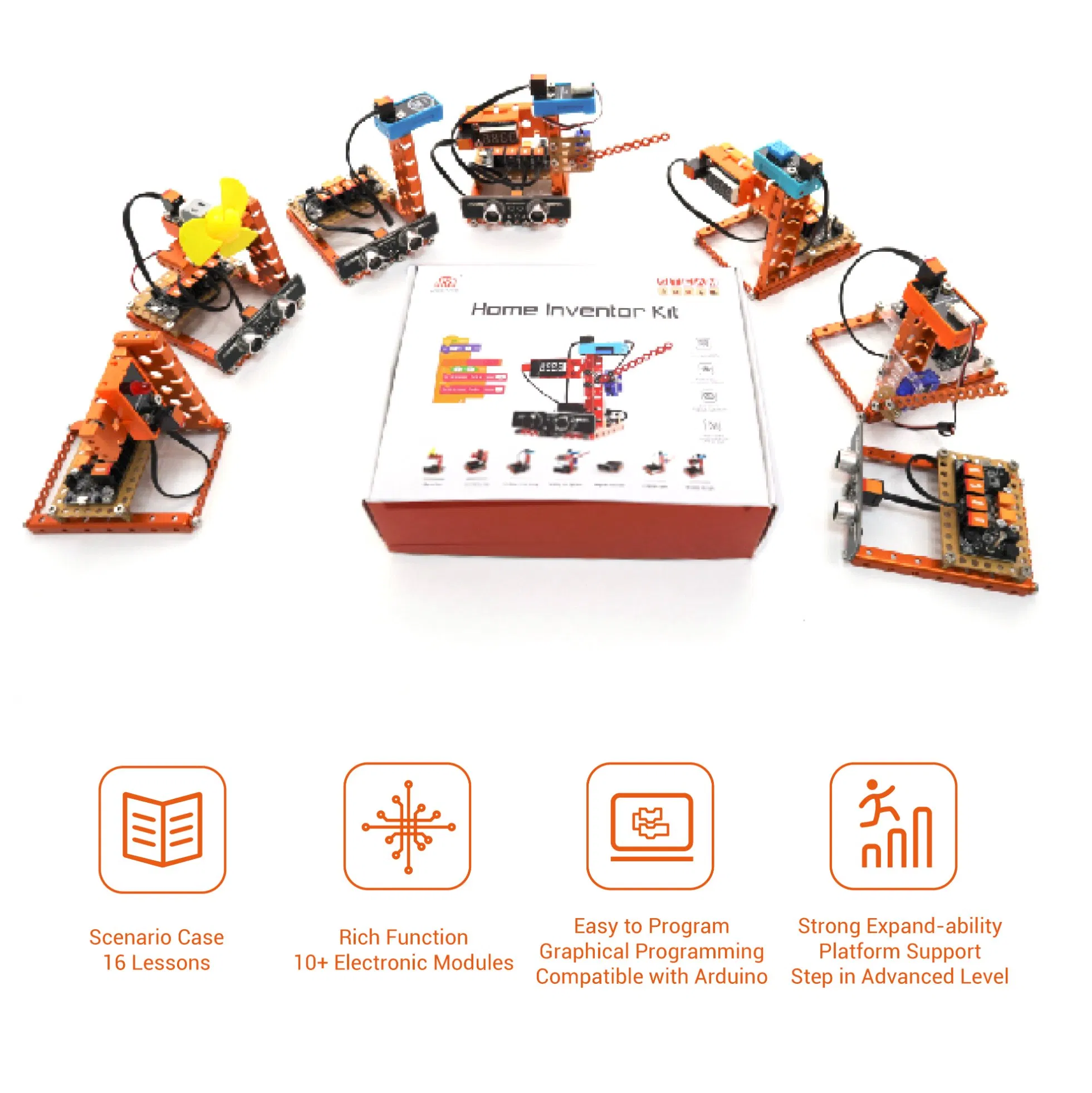
Intelligent Smart Home Training Kit is a DIY kit that consists of electronic modules and compact designed mechanical parts. By simulating the life scene of automatic home, building 15 interesting projects of smart home appliance, children will observe home appliances in their daily life and get to know how they work.
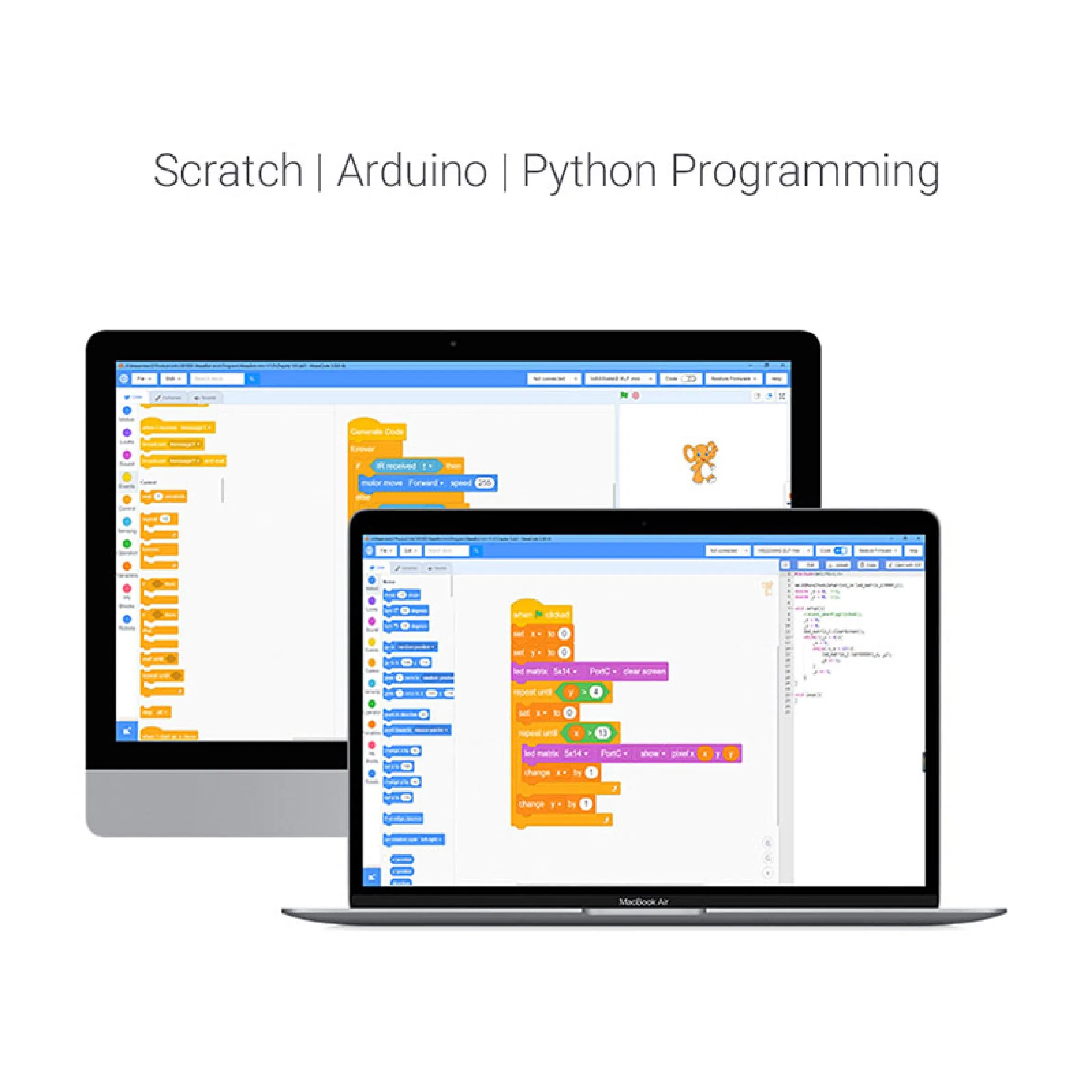
Create your own project with Arduino library support for quick programming. This kit also supports graphic programming languages like Scratch (WeeeCode), perfect for teaching kids hardware interaction.
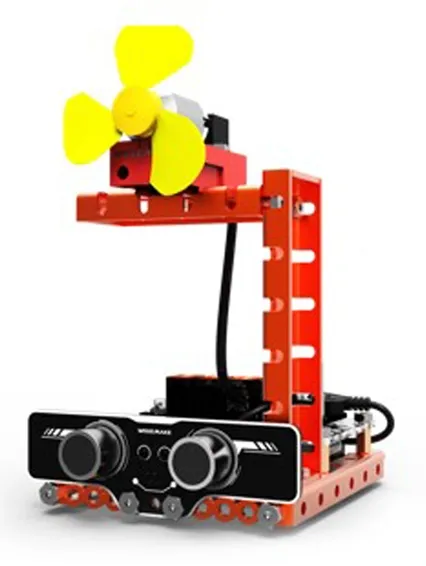
Use ultrasonic sensor to detect if anyone is in front of the fan; if yes, turn on the fan automatically. Energy saver!
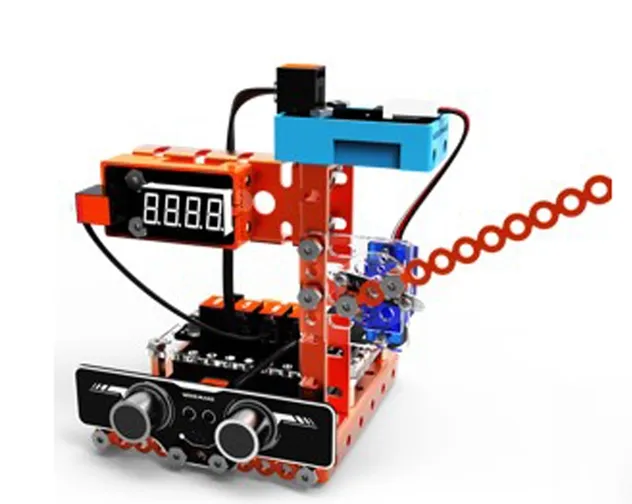
Ultrasonic sensor detects cars; opens servo-controlled gate and counts on LED display. IR remote for exit control.
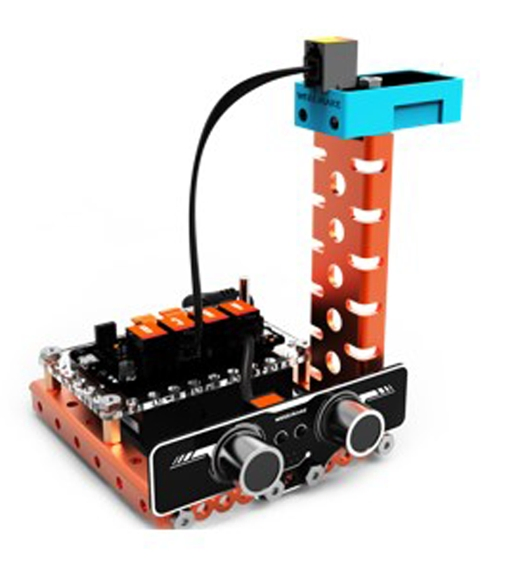
Use touch sensor to control the RGB LED. Changes color with every touch.
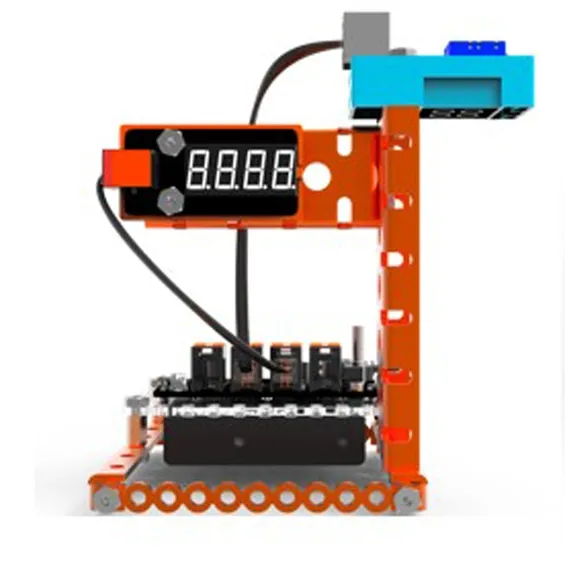
Uses temperature and humidity sensors to display real-time values on a segment LED display.
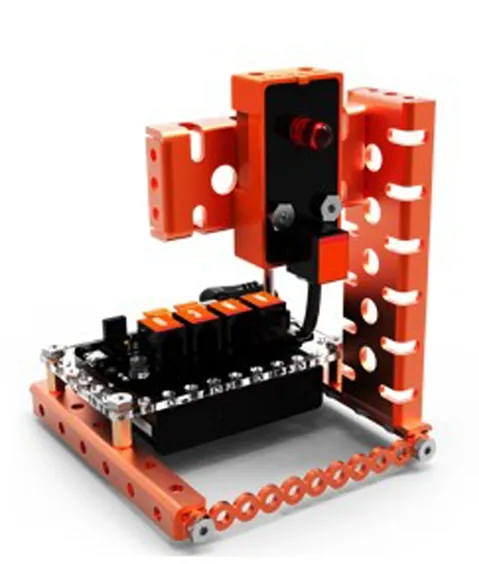
Sound-control lamp. Once it detects sound, the LED lamp turns on automatically, simulating smart home lighting.
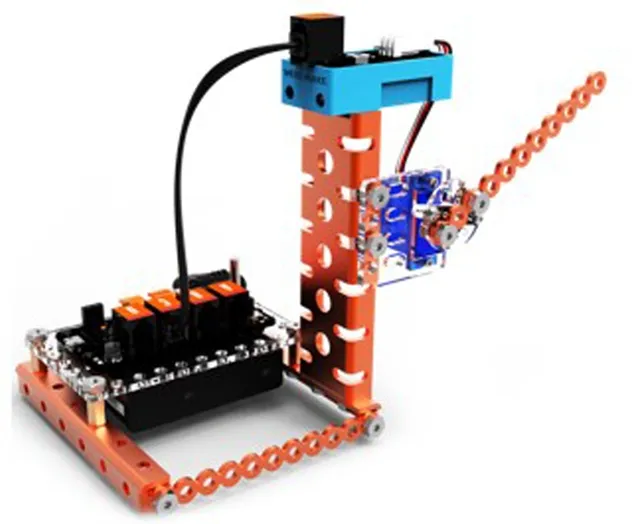
Use IR remote control to operate the 9g servo motor for opening or closing the gate.
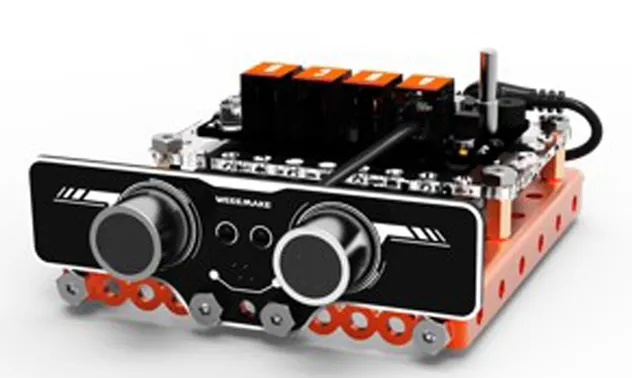
Ultrasonic sensors detect distance to play different tones. Play piano in the air like magic.
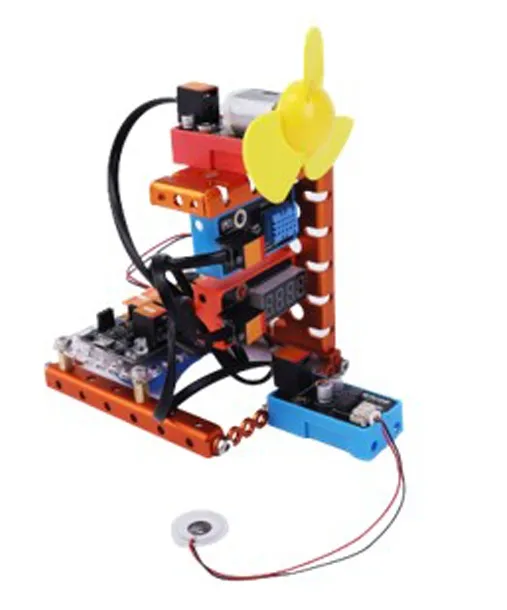
Automated control based on temperature and humidity thresholds for fans and atomizers.
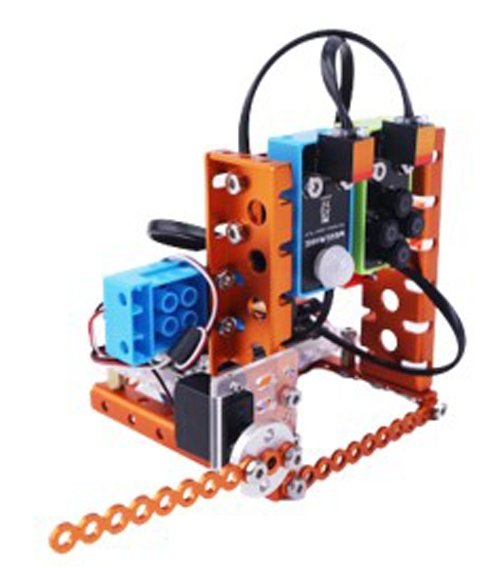
Uses IR sensors to detect people and requires a correct password to unlock.
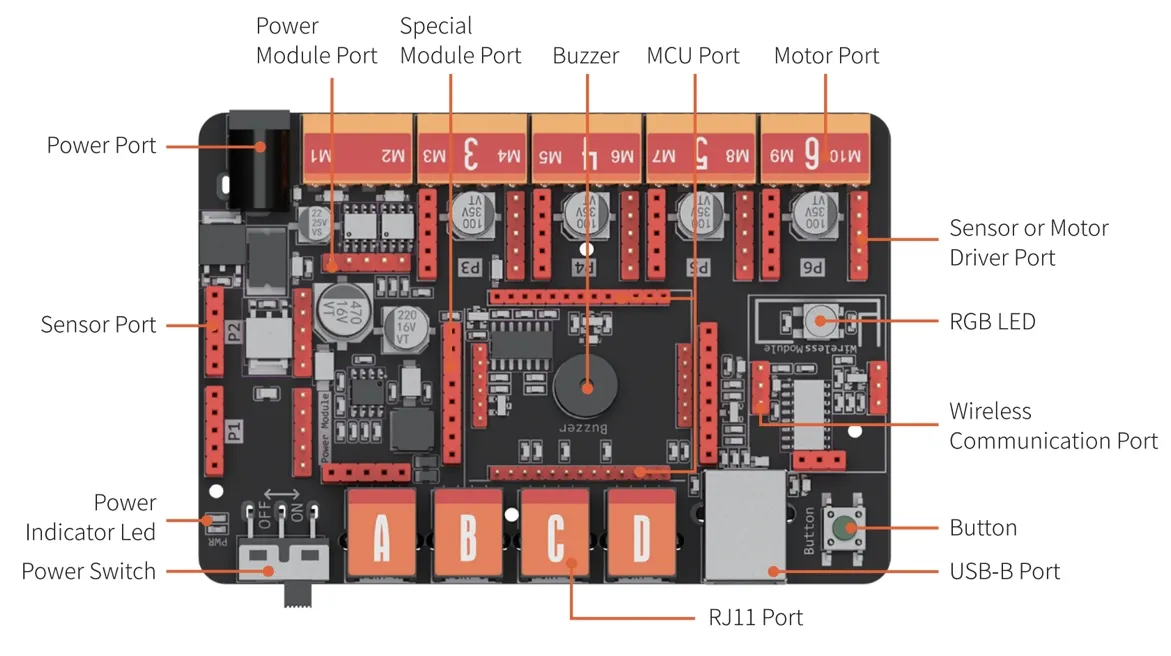
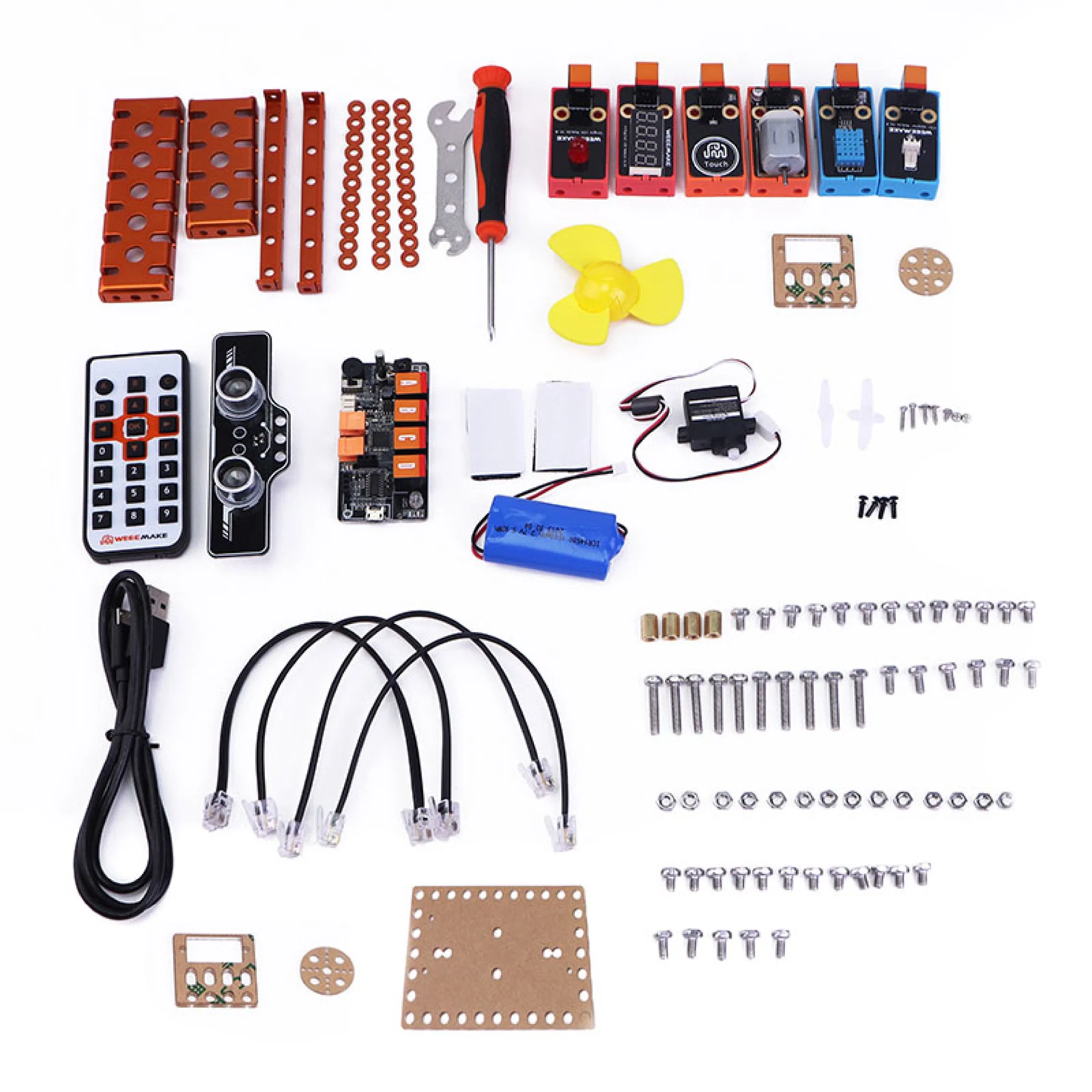
The ELF mainboard features a modular design with replaceable microchips (Support ATMEGA-328P, ESP32 chip). It offers unified ports for motor drivers and sensors, making wiring simple and efficient for students.
| Application | Programming, Assemble, DIY Education |
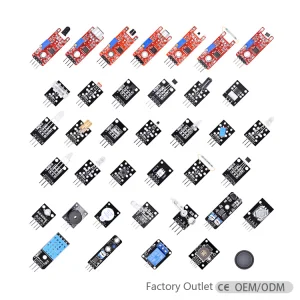
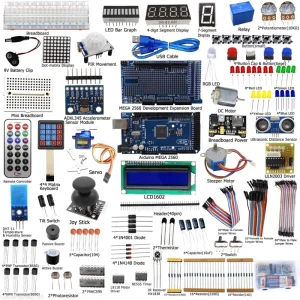
| Input Modules | Light, Sound, IR Remote, Touch, Ultrasonic, Temp/Humidity, Line-following, PIR, Flame, Gas, Moisture, Gesture, 4 LED Button |
| Output Modules | Buzzer, Red LED, 5V130 Fan, 9g Servo, Segment Display, RGB Ultrasonic, Atomizer, MP3, TT motor, Water pump |
| Operating Voltage | 3-6V (3.7V Li-po battery included) |
| Age Group | 8 to 13 Years, 14 Years & up |
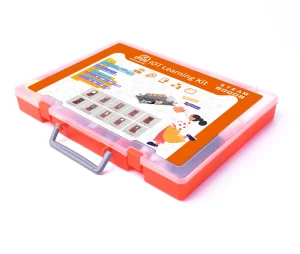
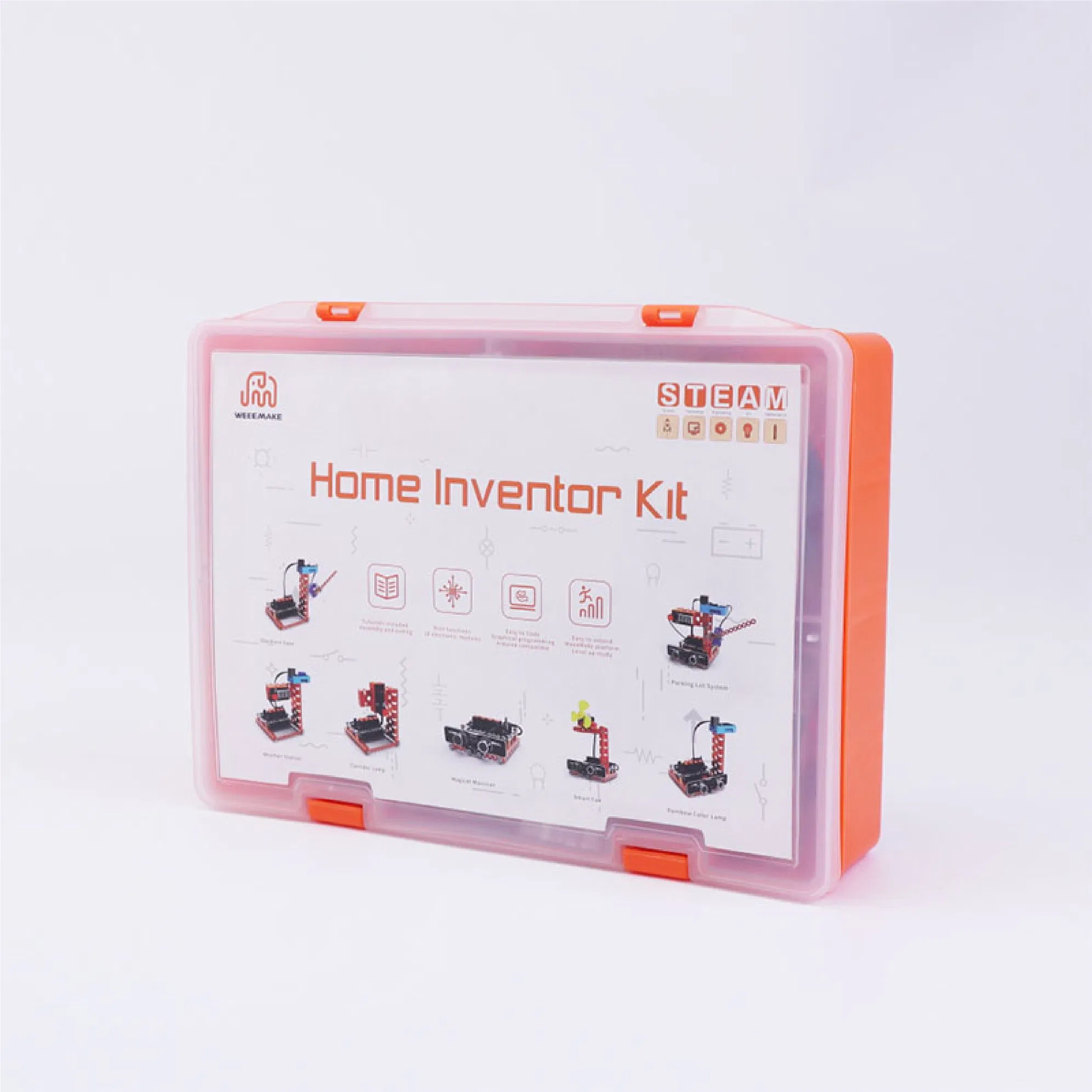
| Packing | Durable Plastic Box |