Buddy robotics Buddy robotics

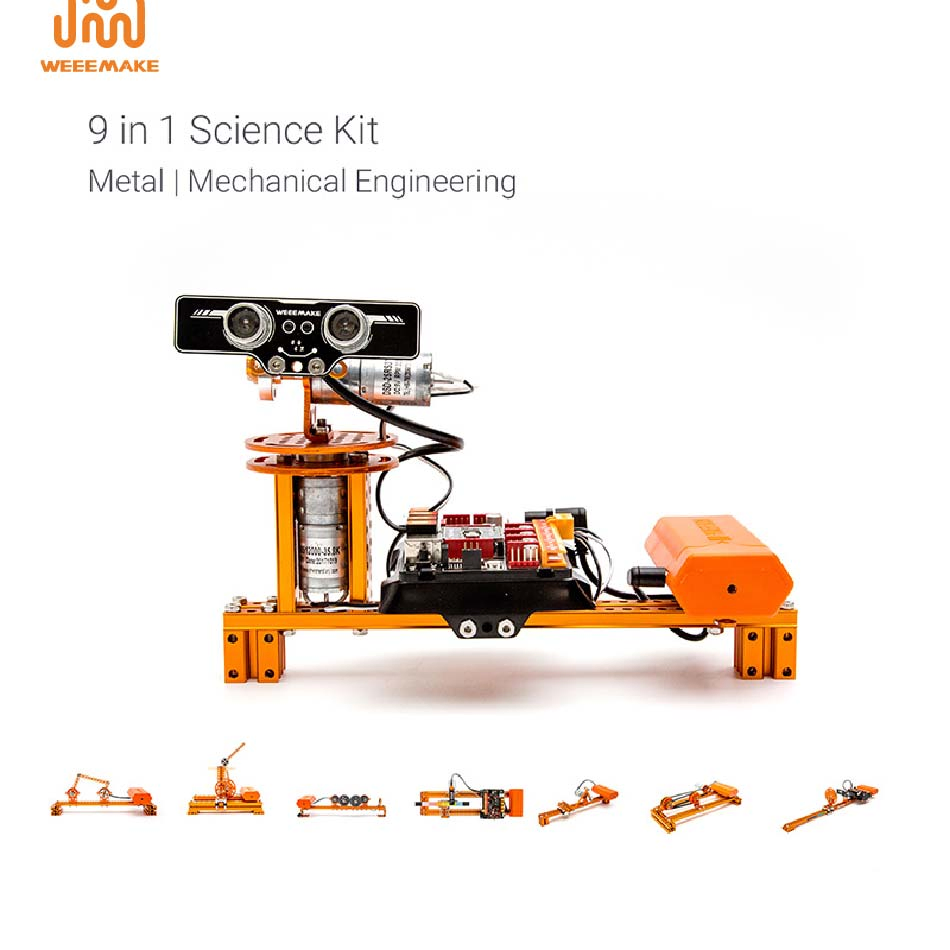
9-in-1 DIY Smart Arm Robot Kit Stem Block Building Training Educational Science Kit for School Children

Still deciding? Get samples of $ !
Order Sample

Product Description

Basic Information
Model NO.160509
Mounting TypeIndustrial
TypeEducation Maker Boards
ApplicationEducational Kits
FunctionMechanical Engineering Education
Specification42*31*16cm
Trademarkweeemake
Production Capacity10000pieces/Year
Packaging & Delivery
Package Size42.00cm * 31.00cm * 16.00cm
Gross Weight3.000kg
Lead Time7 days (1 - 20 Sets)
Smart Arm Robot Banner
Product Description

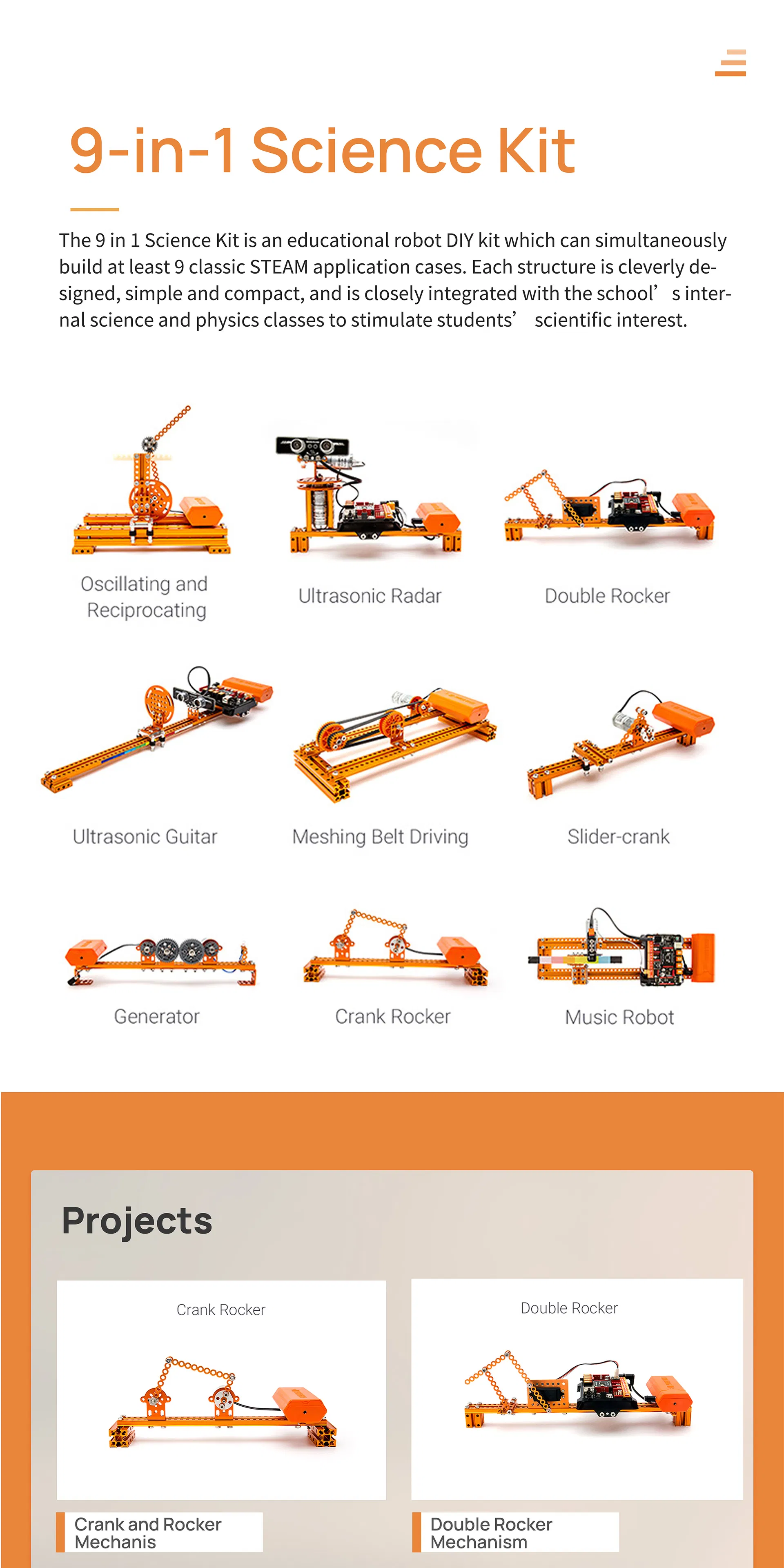
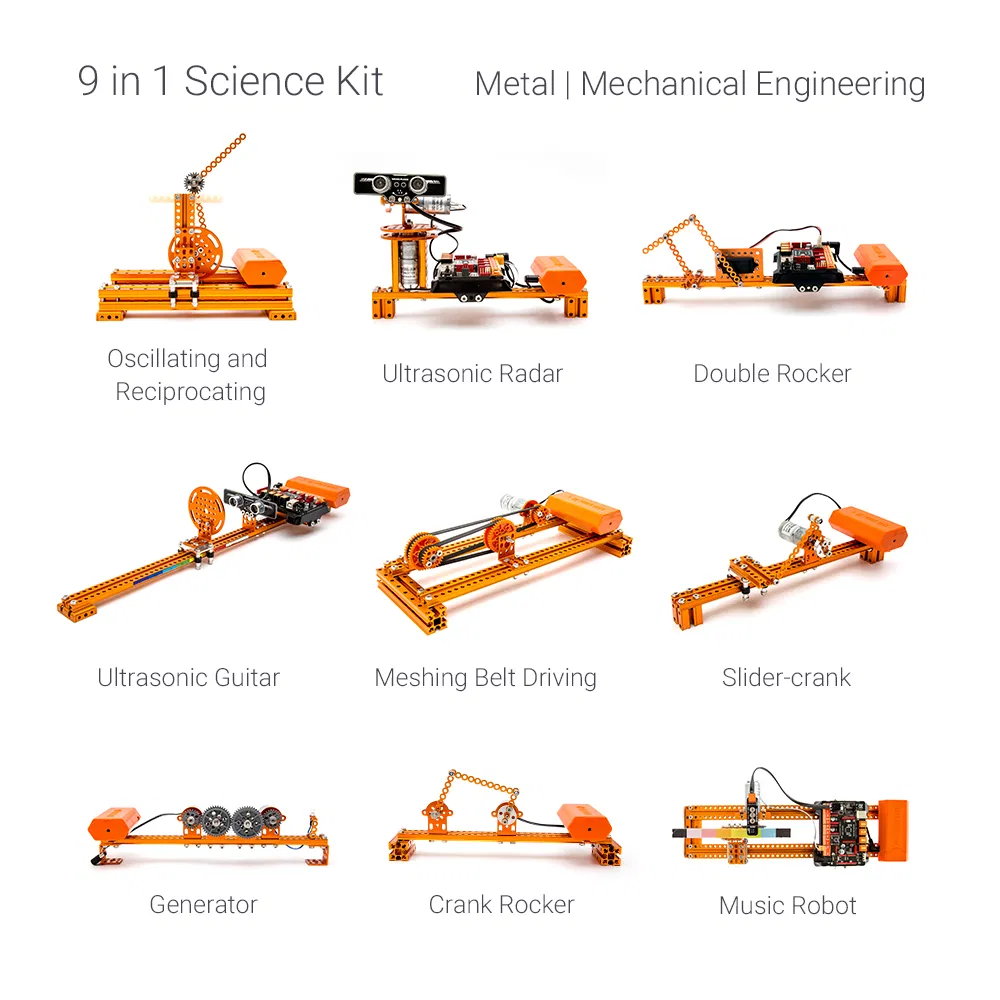
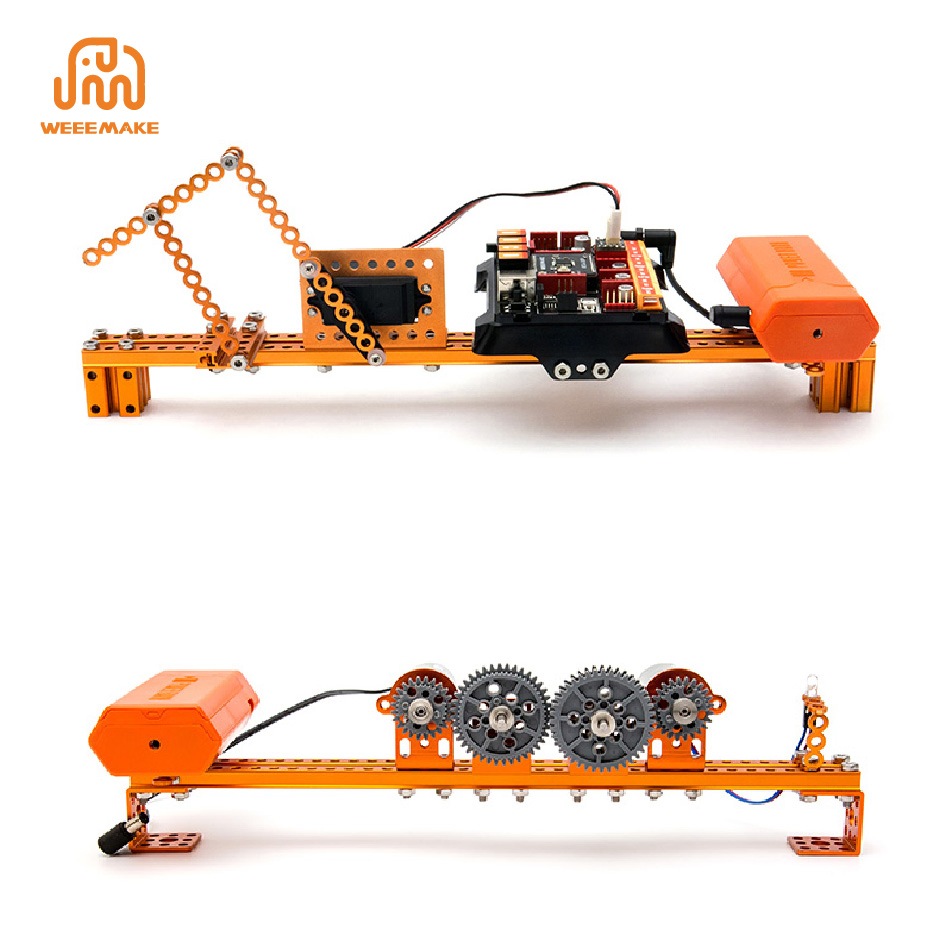
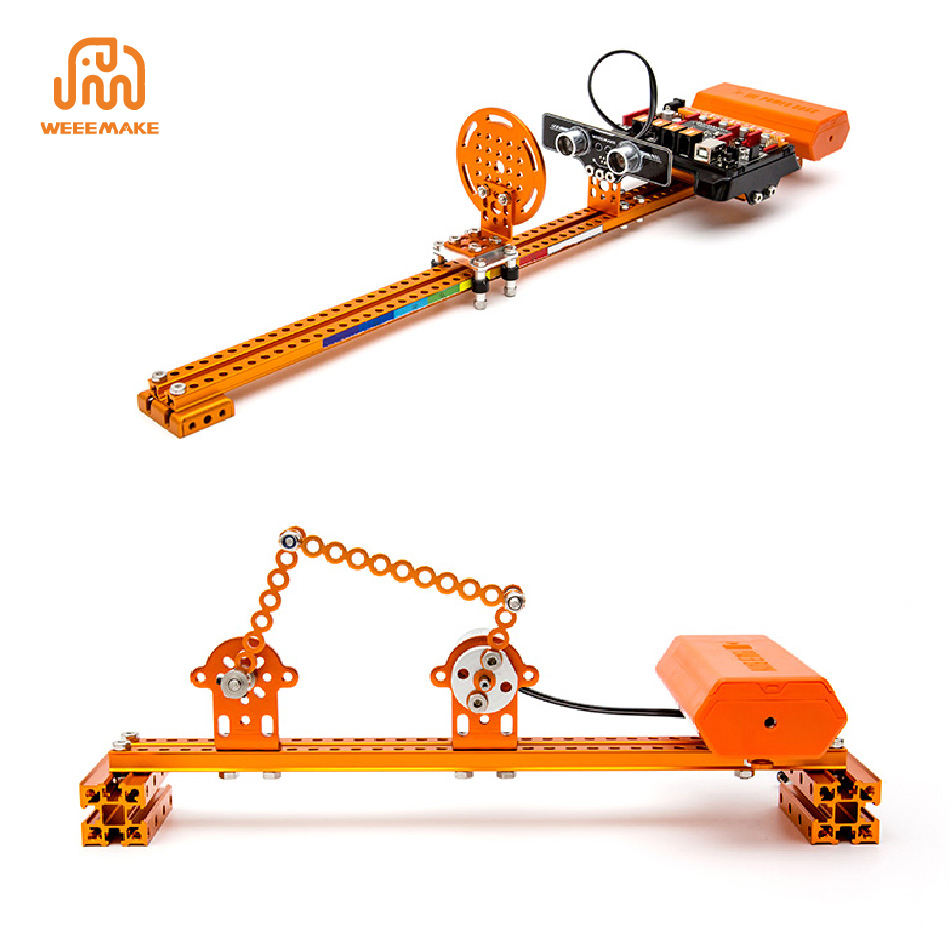
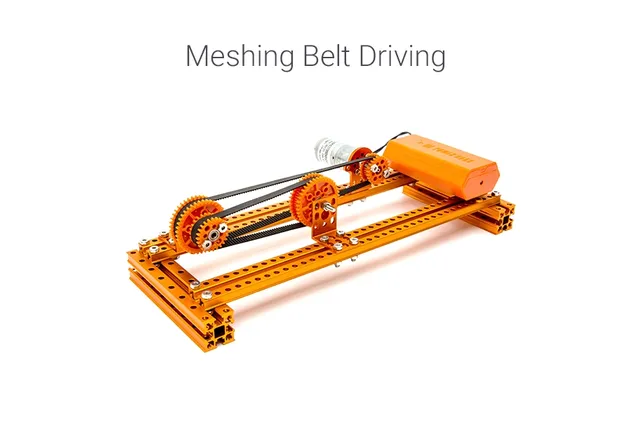
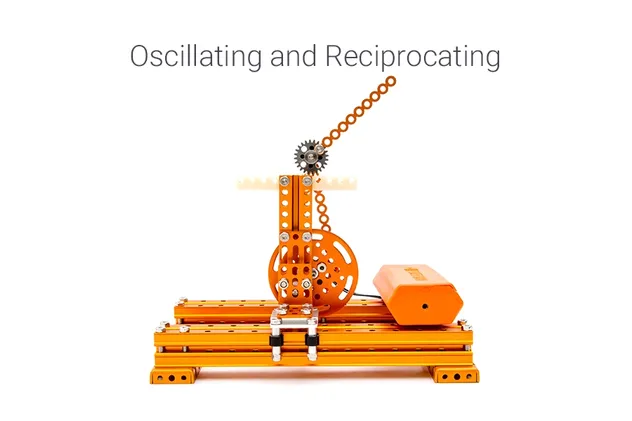
9-in-1 Science Kit: The 9 in 1 Science Kit is an educational robot DIY kit which can simultaneously build at least 9 classic STEAM application cases. Each structure is cleverly designed, simple and compact, and is closely integrated with science and physics classes to stimulate scientific interest.
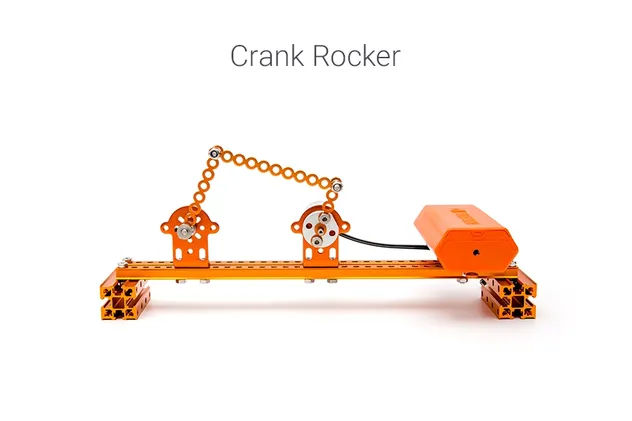
Mechanism 1
Mechanism 2
Mechanism 3

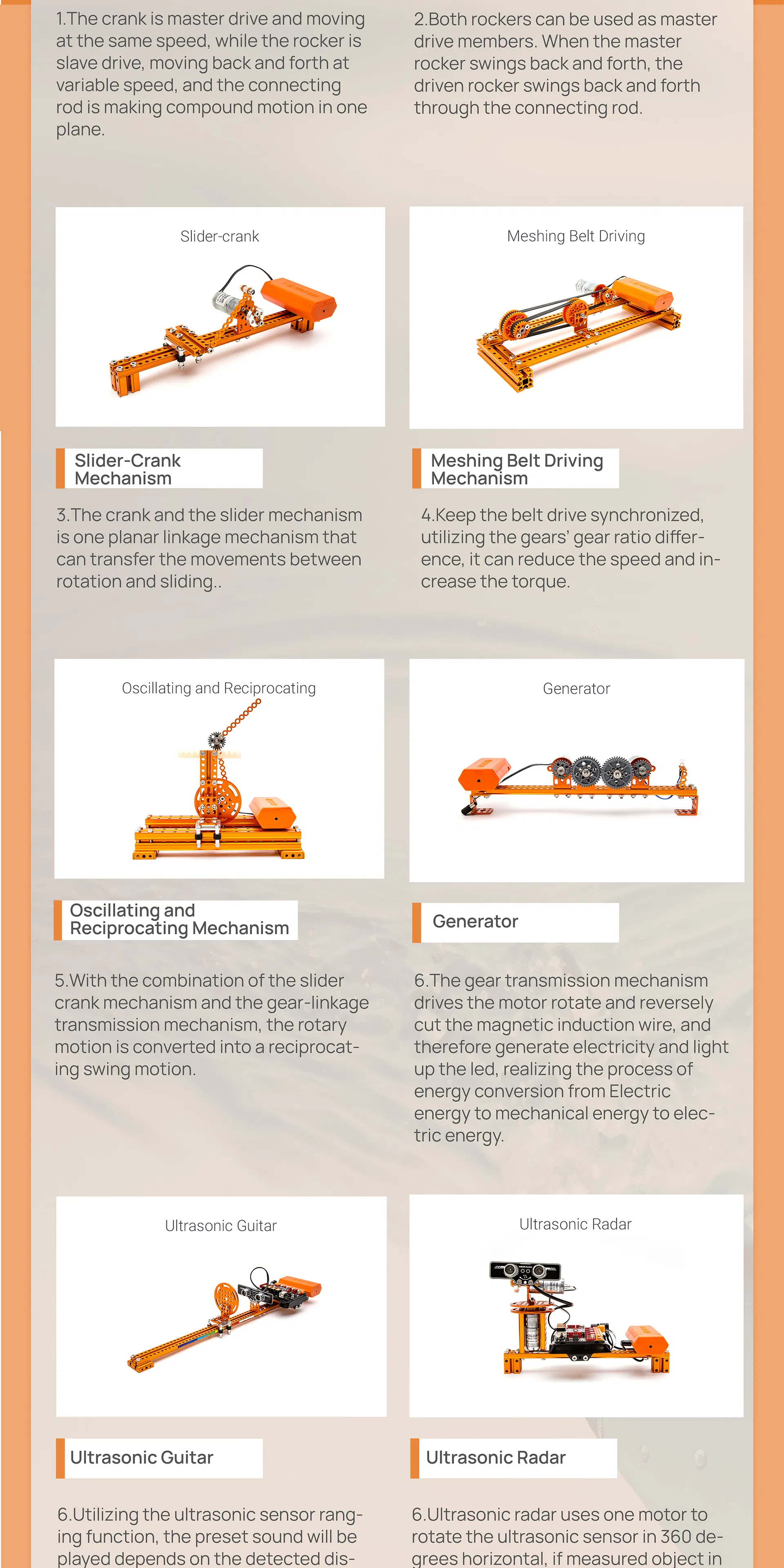
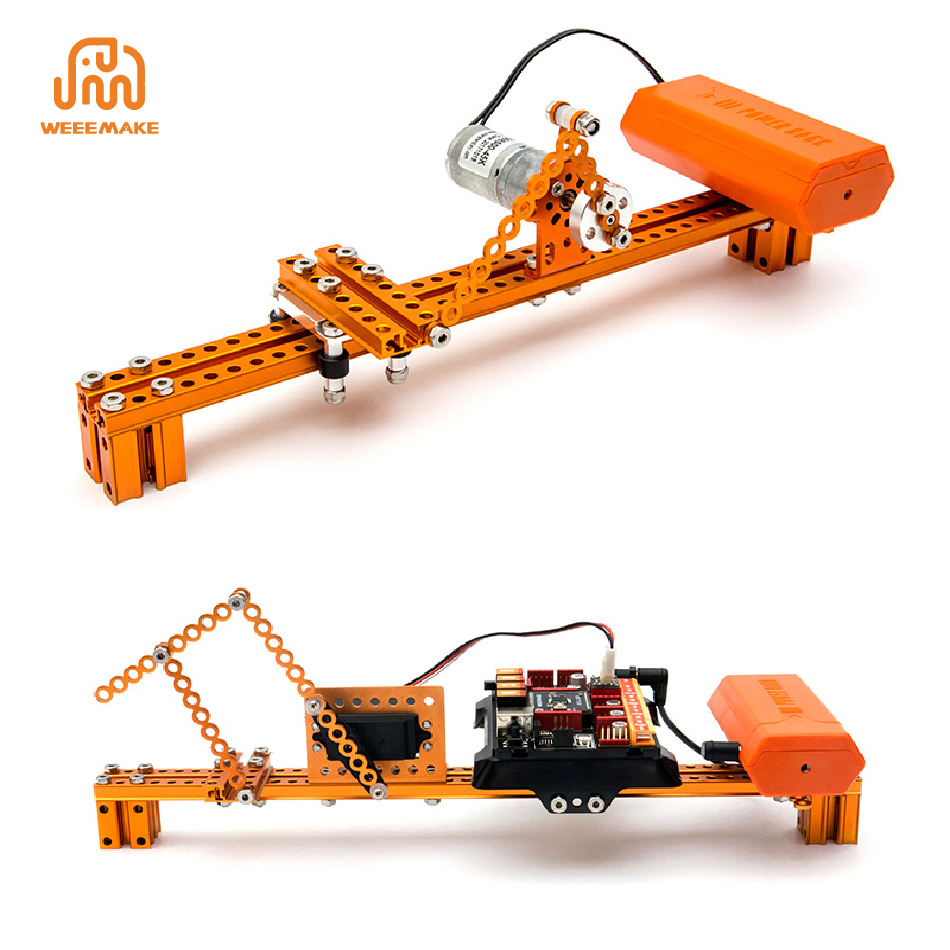
Crank and Rocker Mechanism: The crank is master drive moving at constant speed, while the rocker moves back and forth at variable speed.

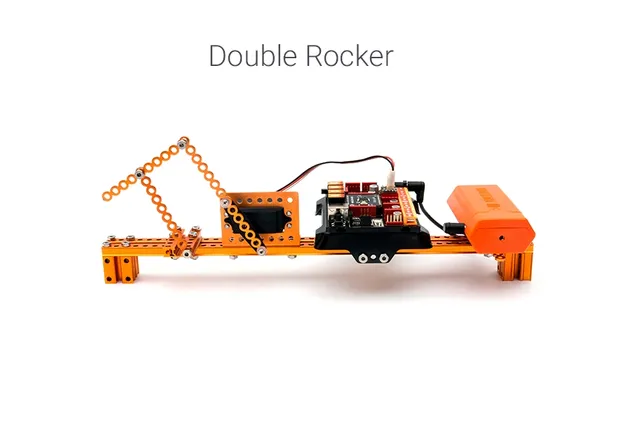
Double Rocker Mechanism: Both rockers can be used as master drive members for reciprocal swing motion.

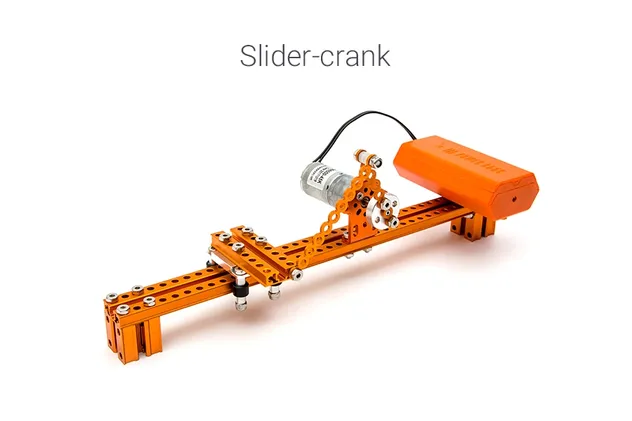
Slider-Crank Mechanism: A planar linkage mechanism that transfers movement between rotation and sliding.
Mechanism 4
Mechanism 5
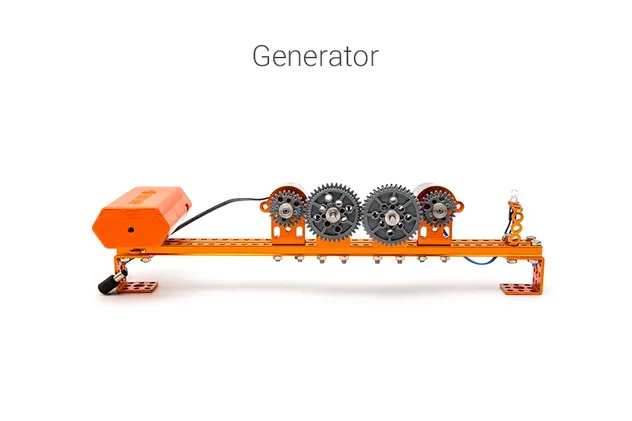
Mechanism 6
ELF Mainboard & Features

High-Performance Control: Designed for modular replacement. Supports ATMEGA-328P, ESP32 chips. Features RJ11 ports for easy sensor wiring.

  • Easy to Build: Step-by-step animation instructions.
  • Classical Mechanism: Build 9 structures with various motors.
  • Visual Programming: Supports WeeeCode (Scratch 3.0) and Arduino C.
Specification Table
MicrochipATmega 328P (Support ESP32/2560)
Sensors OnboardBuzzer, Button, RGB LED
Ports4 x RJ11, 2 x DC Motor Port, 6 x Pin Ports, USB, Bluetooth/2.4G
SoftwareWeeeCode (Scratch 3.0), Arduino IDE
Detailed View 1
Detailed View 2
Detailed View 3
Our Exhibition & Certifications
Company Banner
Cert 1
Exhibition
Frequently Asked Questions
Q1: When I turn on the robot, it has no response. Why?
A: 1. Low voltage, please recharge or replace batteries. 2. Batteries installed in wrong polarity (+/-). 3. Incorrect wiring on battery holder or motor.
Q2: When I controlled the robot to move forward, it moved backwards.
A: The wiring of the motor is connected reversed. Please reconnect the motor cables.
Q3: How to program my robot or restore factory settings?
A: Download WeeeCode software, connect to PC via USB, select the correct COM port and mainboard. Use "Restore Firmware" to reset to factory settings.
Q4: Why cannot the robot move with only USB power supply?
A: USB power only supports the chip and sensors. To drive motors or servos, you must connect batteries and switch on the power button.
Q5: Why doesn't the Line-following Sensor work?
A: Ensure the distance to the map is 1-2cm, avoid strong light interference, and use non-reflective material for your map.
Q6: Can I get a customization robot for my project (OEM/ODM)?
A: Yes, customization services are offered. Please contact the sales team for detailed inquiries.

Related Products