1 / 5
 Buddy robotics
| Model NO. | 181017 |
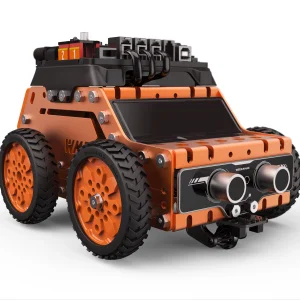
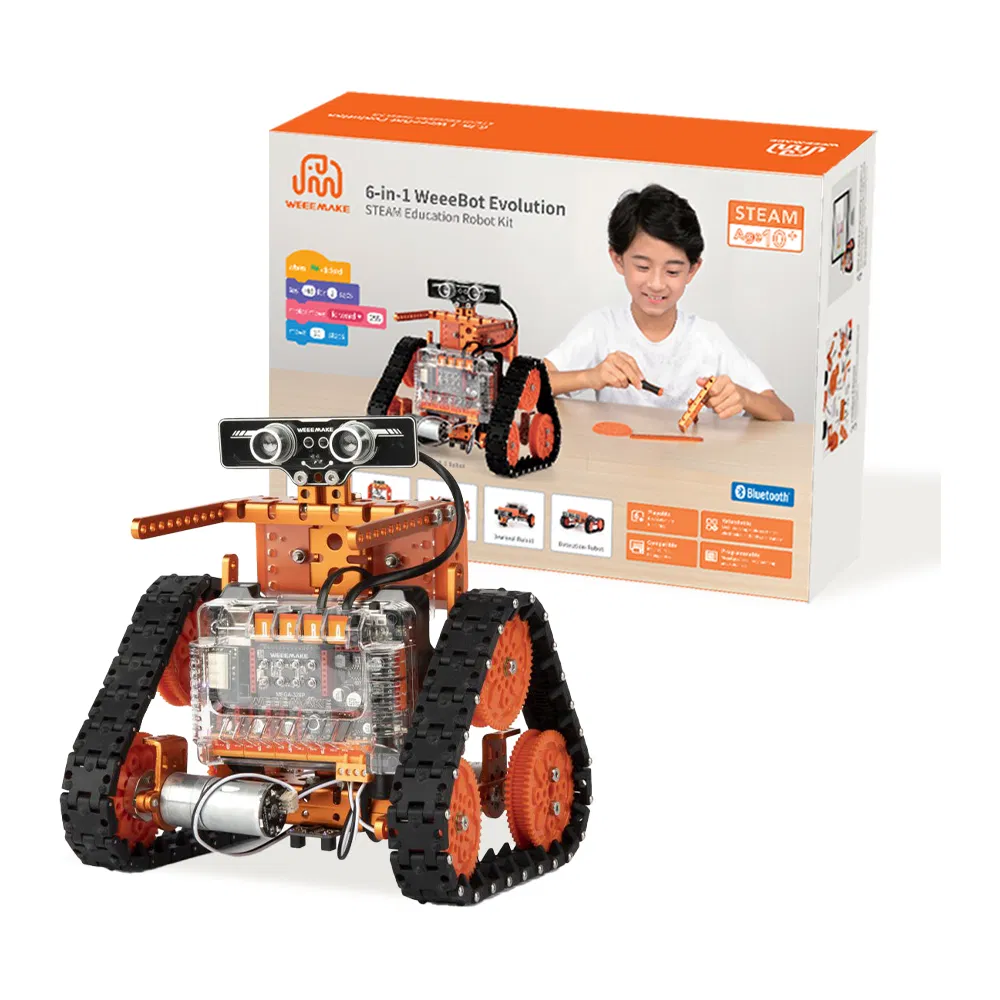
| Product Name | 6 in 1 Weeebot Eyolution Robot Kit |
| Application | Teaching and Learning |
| Type | Esp32 Coding Steam Education Robotics Kit |
| Programing | Weeecode (Scratch 2.0 + Arduino IDE) |
| Package Size | 31.00cm * 23.00cm * 10.00cm |
| Gross Weight | 1.800kg |

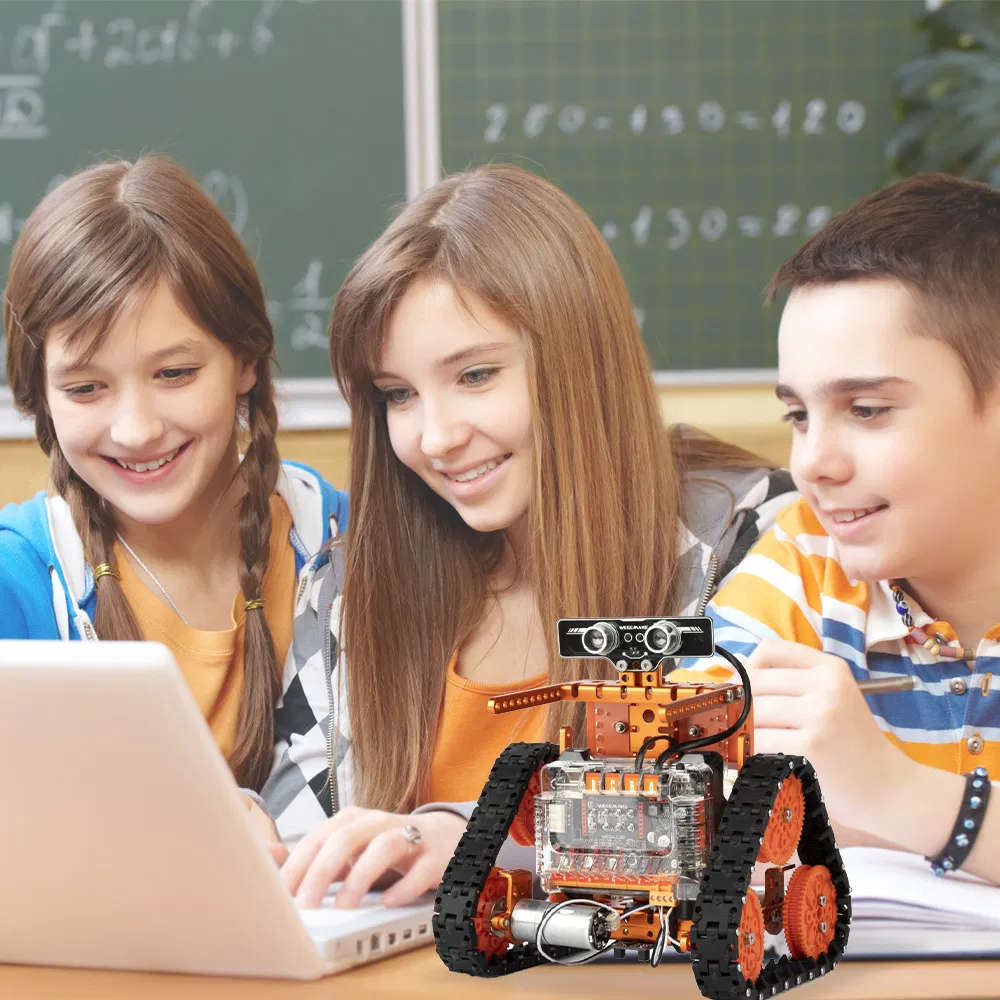
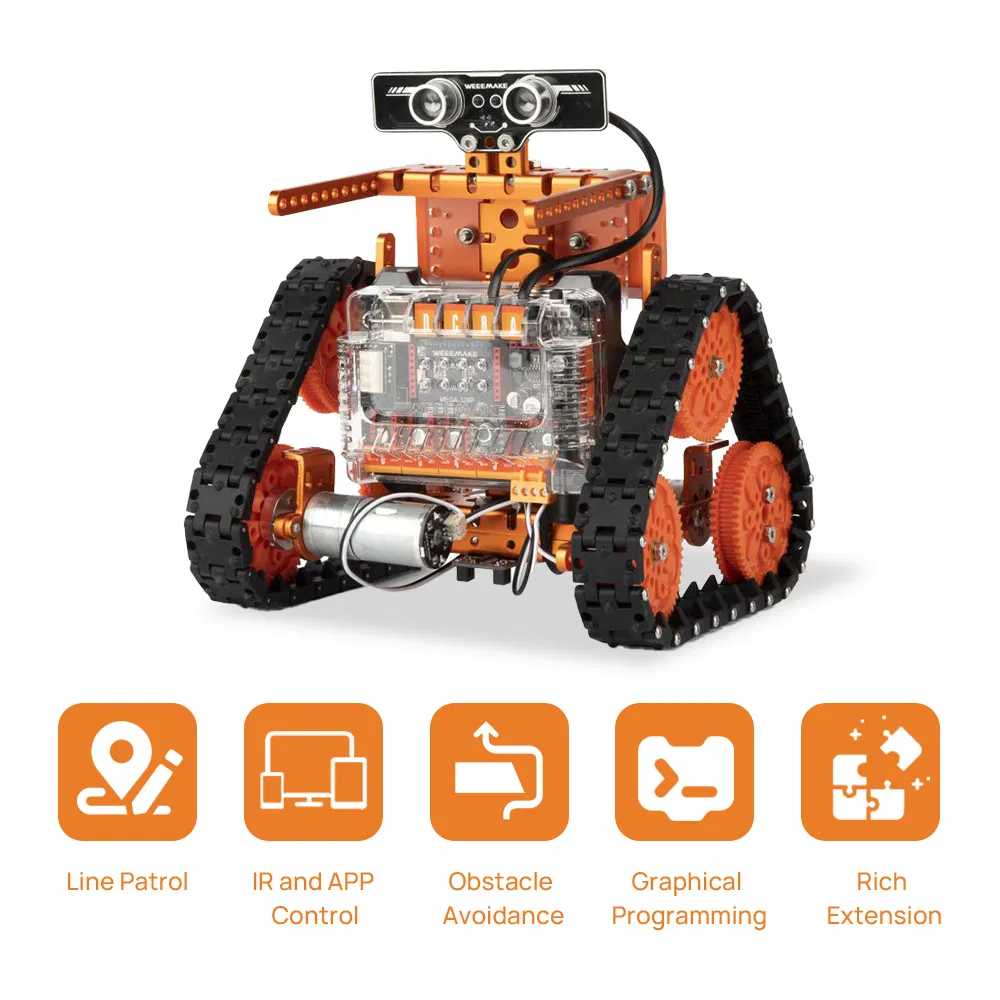
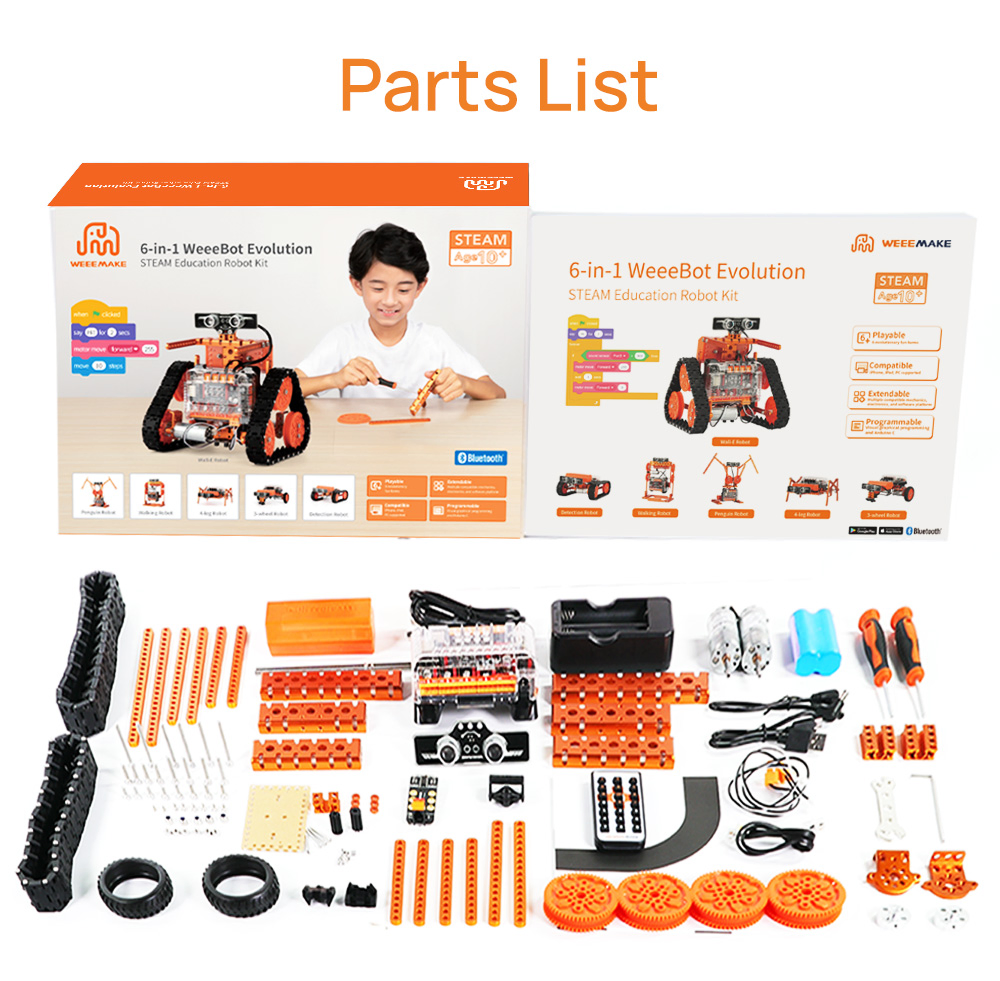
The WeeeBot Evolution is an extraordinary DIY STEAM educational robot kit designed to inspire young minds. With over 50+ types of components and electronic modules, this kit offers endless possibilities. It seamlessly integrates mobile and PC platforms, allowing control through APP, graphical programming, and coding in Arduino and Scratch.
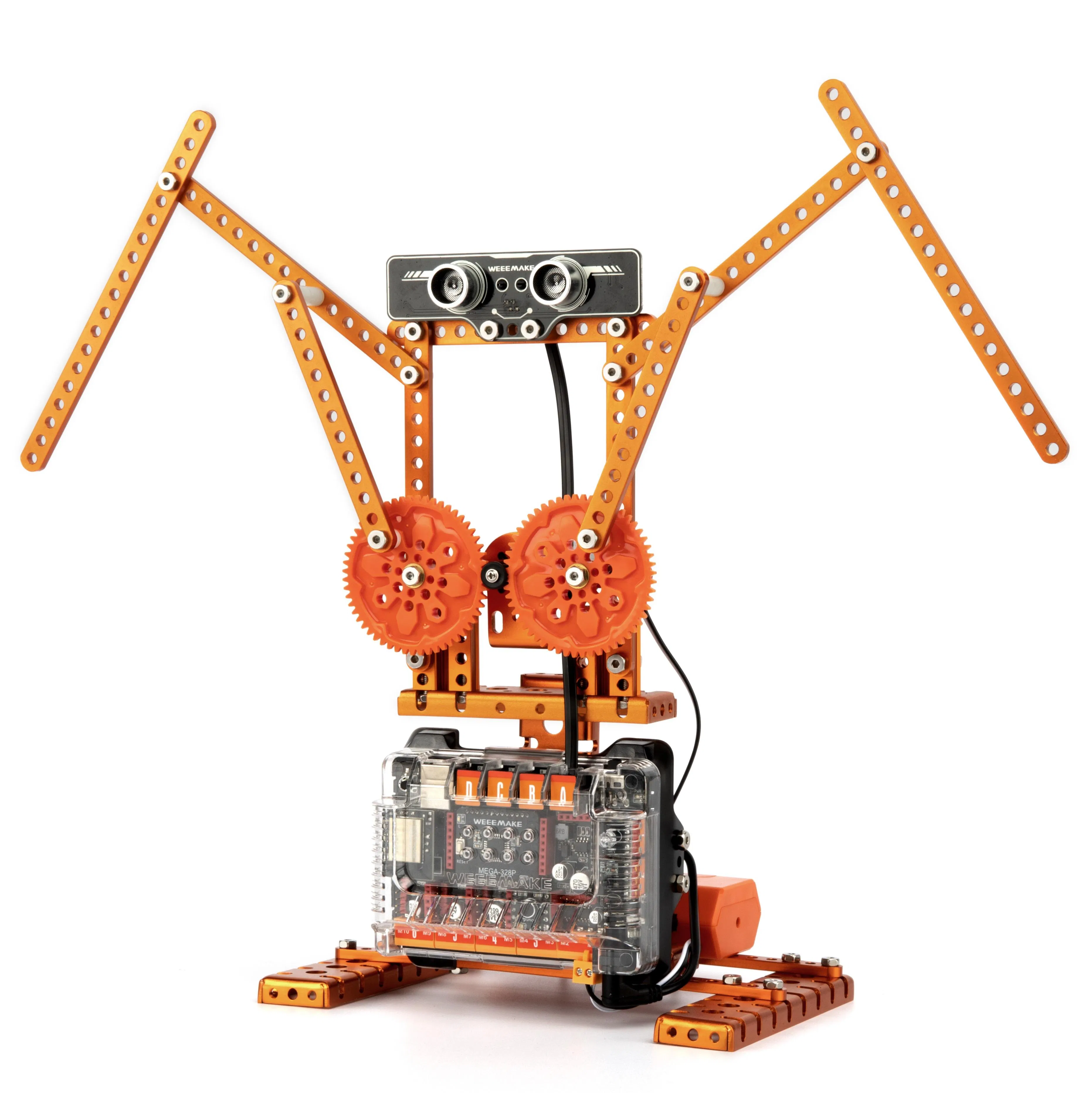
4DOF Robot Arm
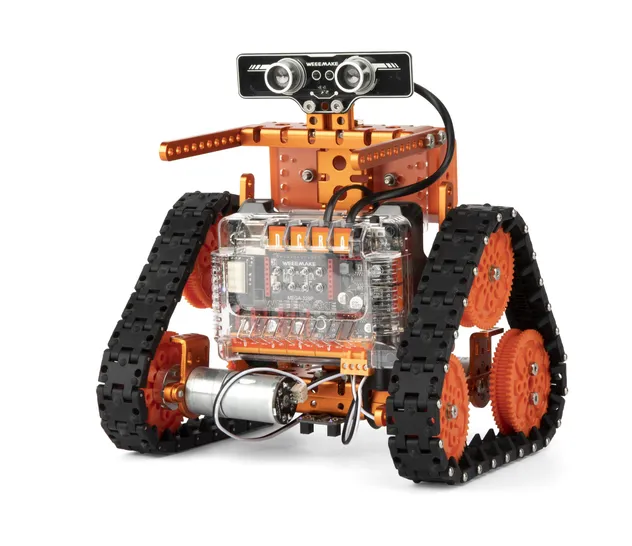
Robot Arm Tank
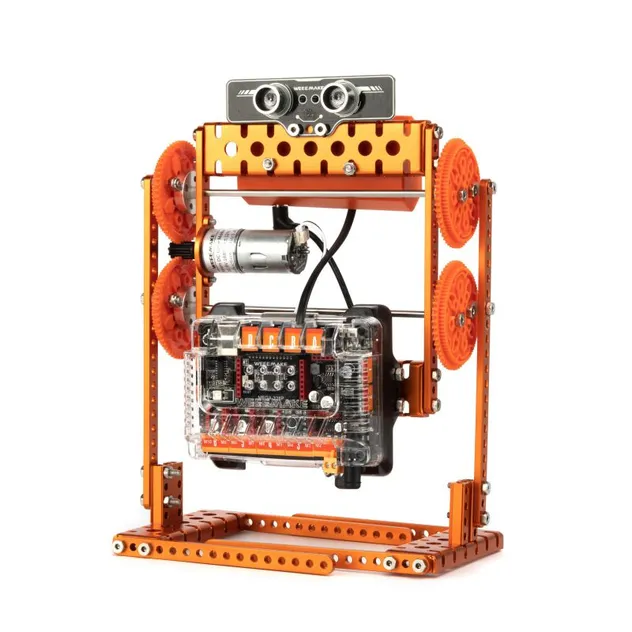
Forklift Robot
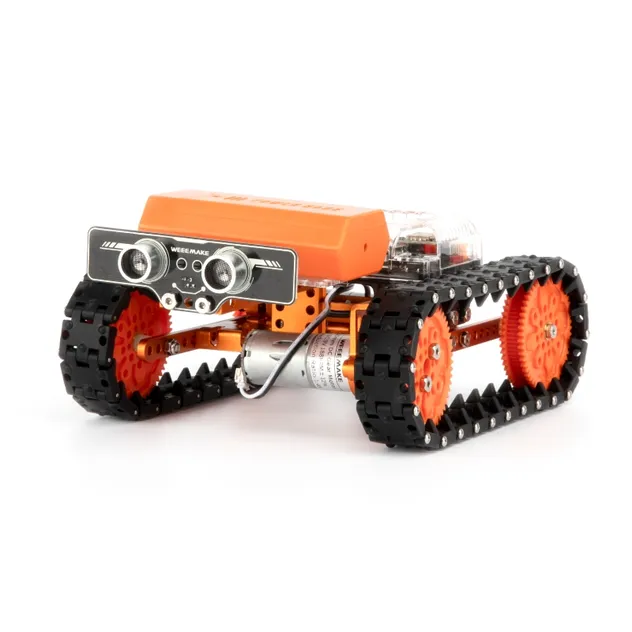
Ball Launcher Robot
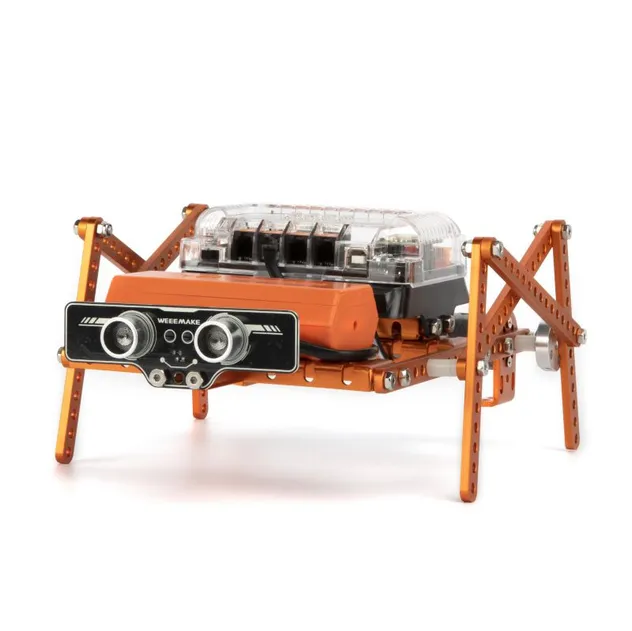
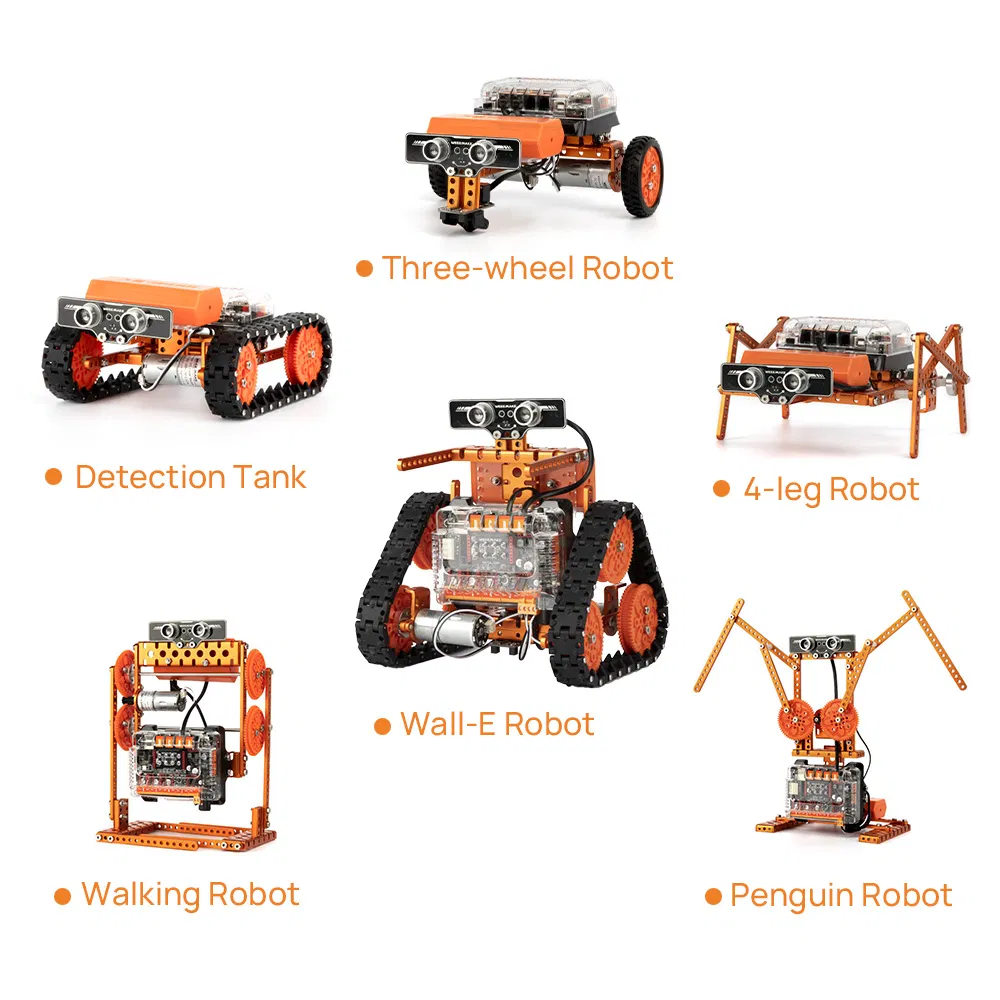
Walking Robot
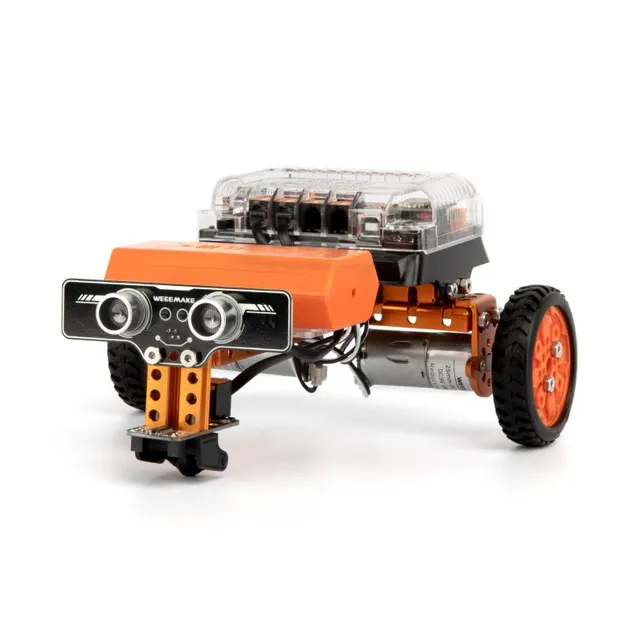
Self-balancing Robot
All-in-one kit with heavy-duty mechanical parts and easy-to-use electronic modules like ELF mainboard, RGB ultrasonic sensor, and Line-following sensor. RJ11 ports ensure simple and clean wiring.
💻 Easy ProgrammingFully compatible with WeeeCode (based on Scratch 3.0). Simple drag-and-drop interface makes learning micro-controller programming fun and interactive.
📱 ELF MainboardHigh-performance modular design with a replaceable microchip (supports ATMEGA-328P, ESP32). Uniform ports for motors and sensors for user-friendly assembly.
| Electronics | RGB ultrasonic sensor, Line-following sensor, Light/Sound sensors, IR receiver, Bluetooth 4.1 |
| Components | Over 350 pieces |
| Communication | USB, Bluetooth, 2.4G Wireless (Optional) |
| Sensor Ports | 10 Ports (4x RJ11, 6x Optional) |
| Robot Forms | 12 forms provided in total |