Basic Information
Model:
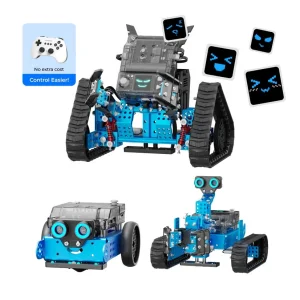
makeblock mbot2 rover
How to Code:
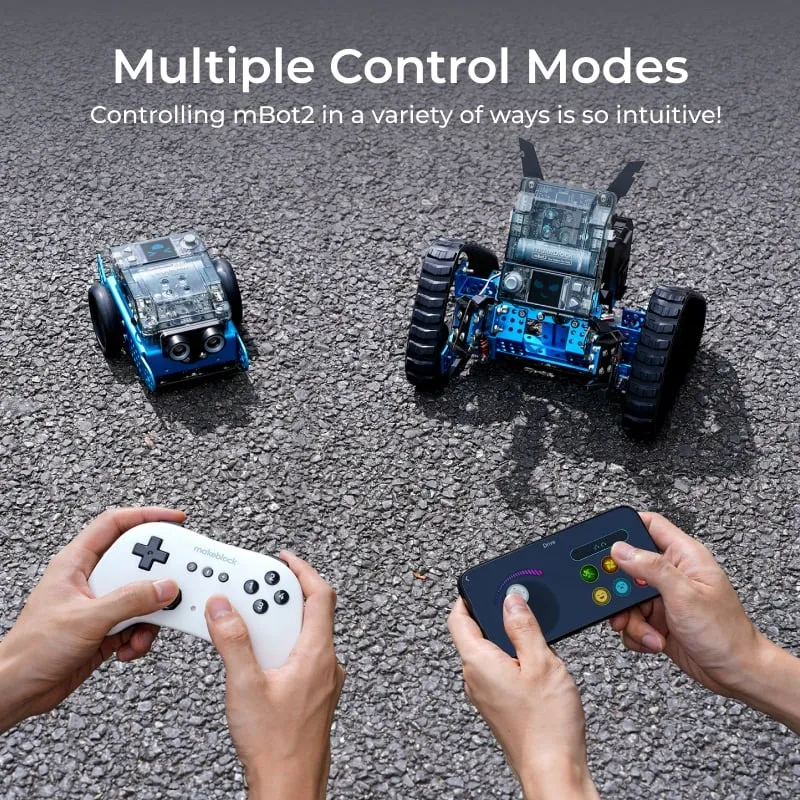
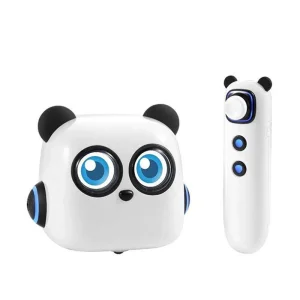
Tap Pen Controller + Coding Cards
Specification:
44.5*35.5*25cm
Product Description
Key Features
✓
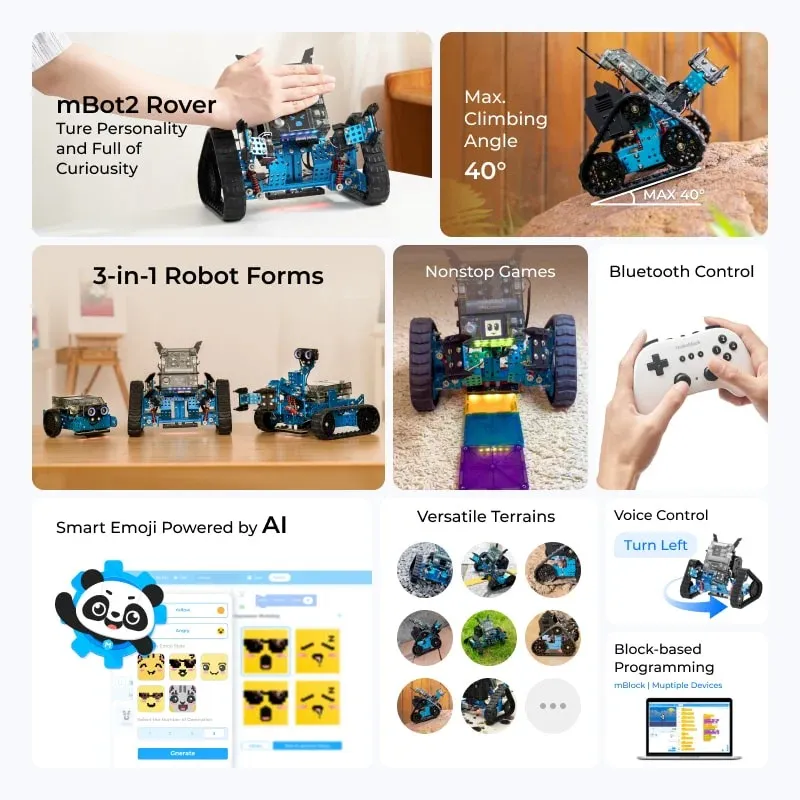
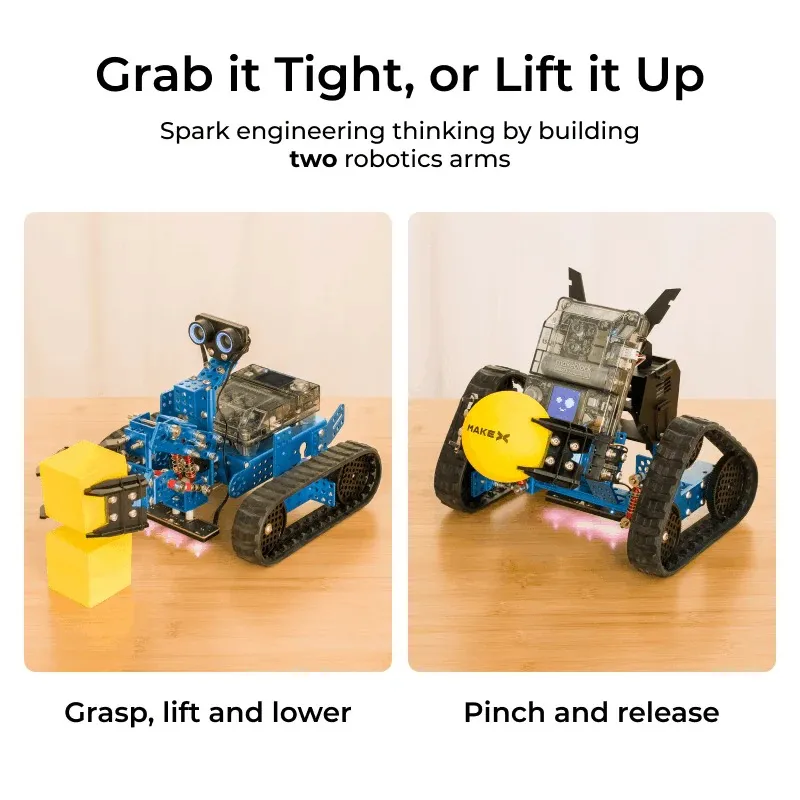
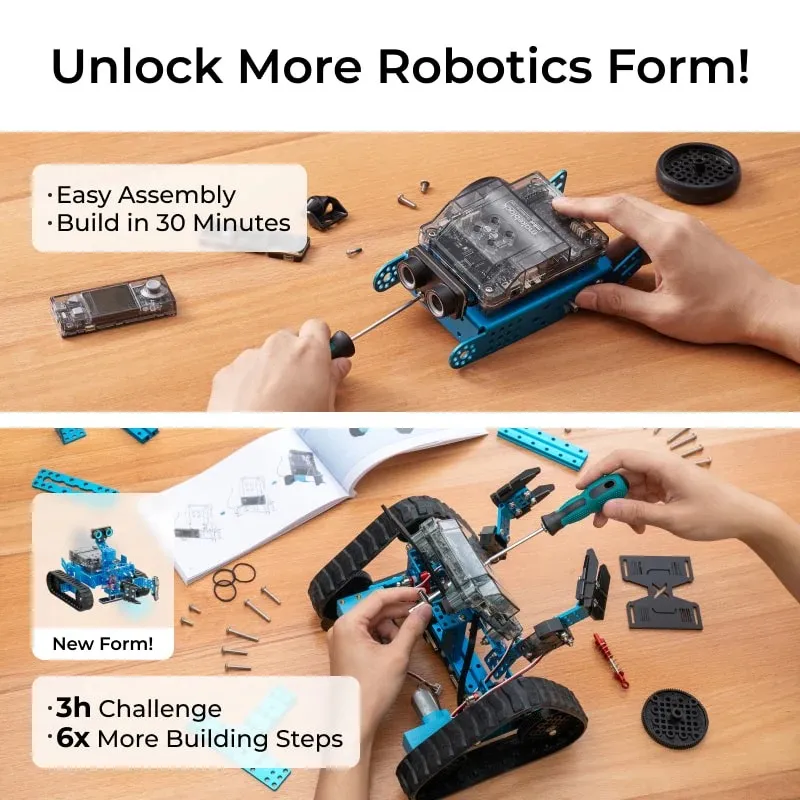
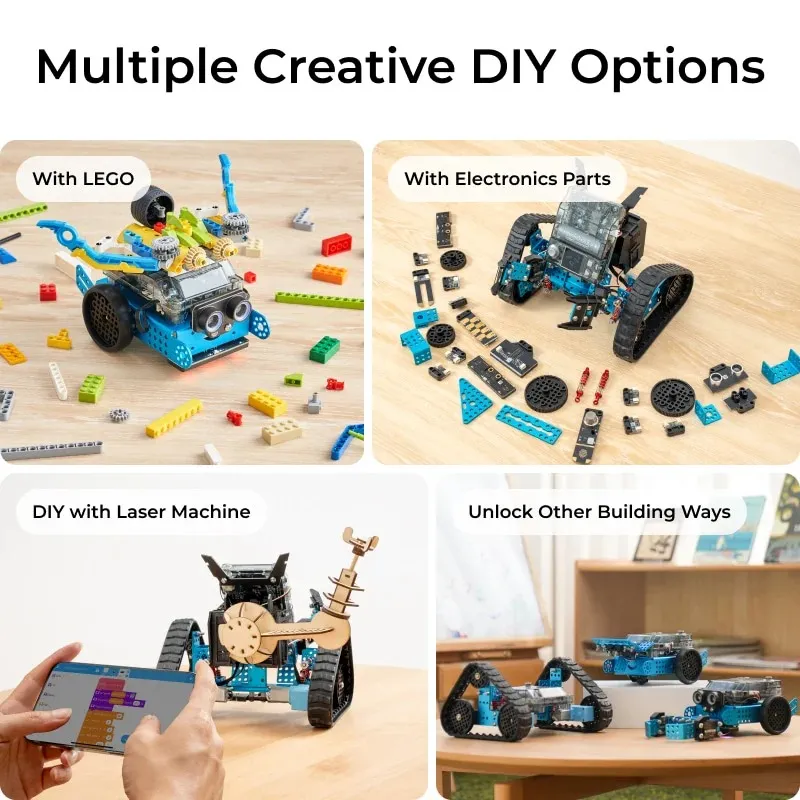
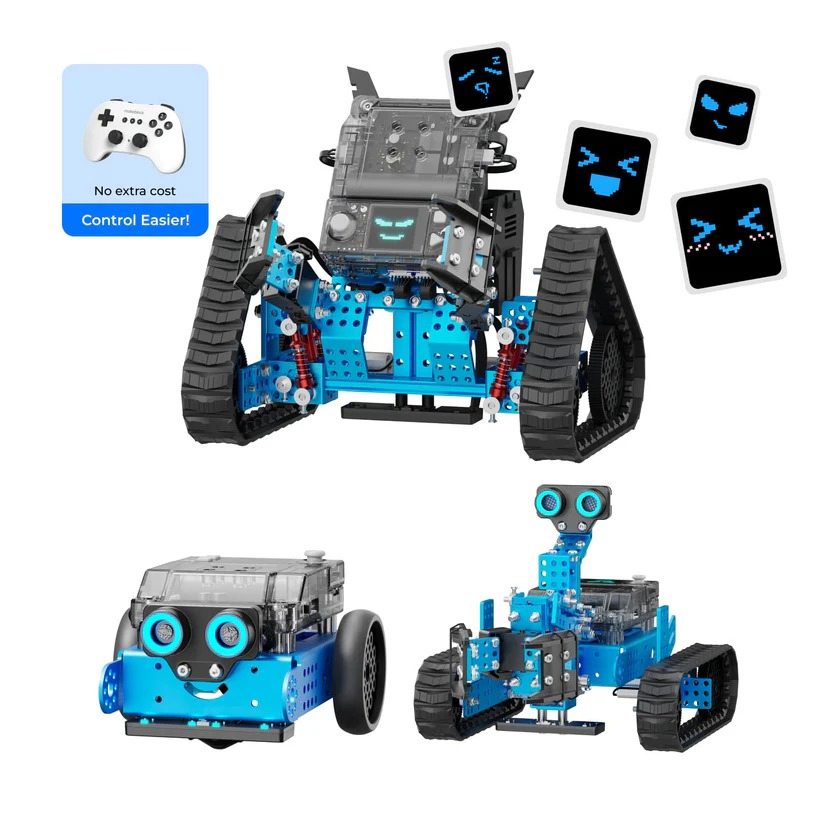
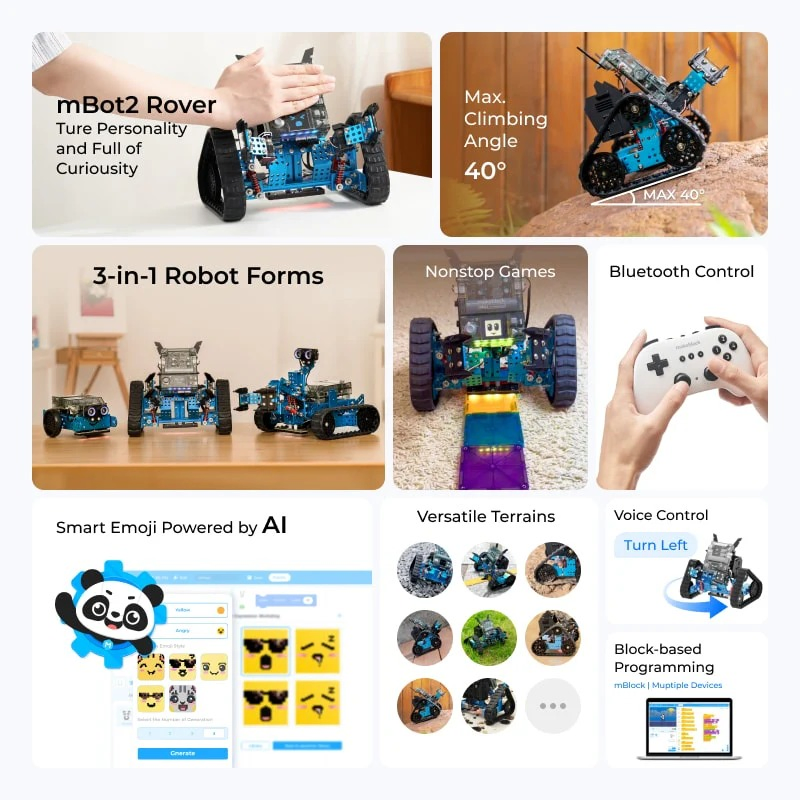
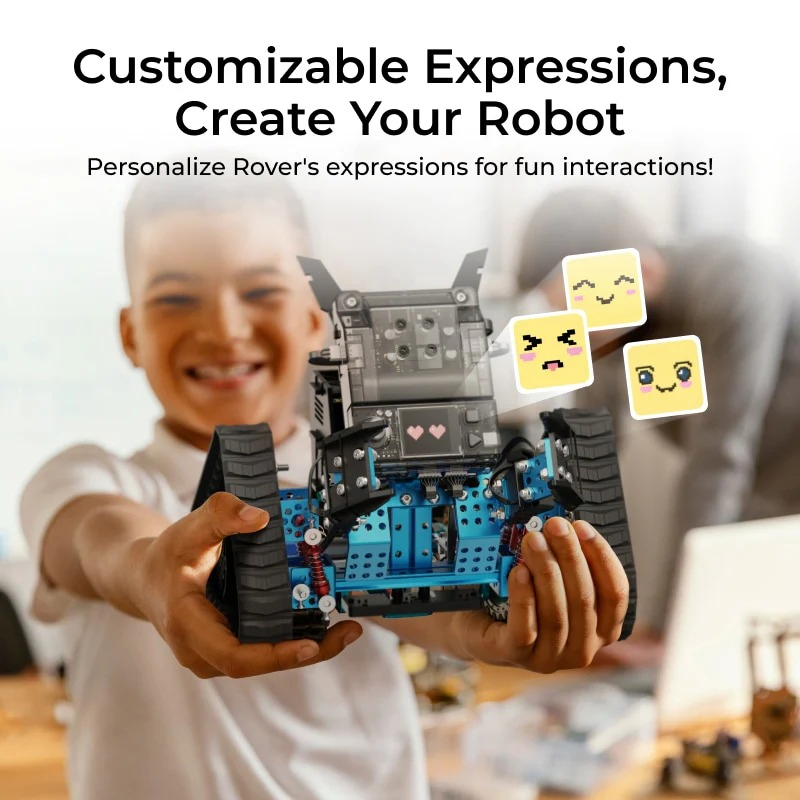
3 Forms to Build: mBot2 (coding robot), mBot2 Rover (robot tank with DIY emojis), mBot2 Ranger (robot tank with robotic arm)
✓
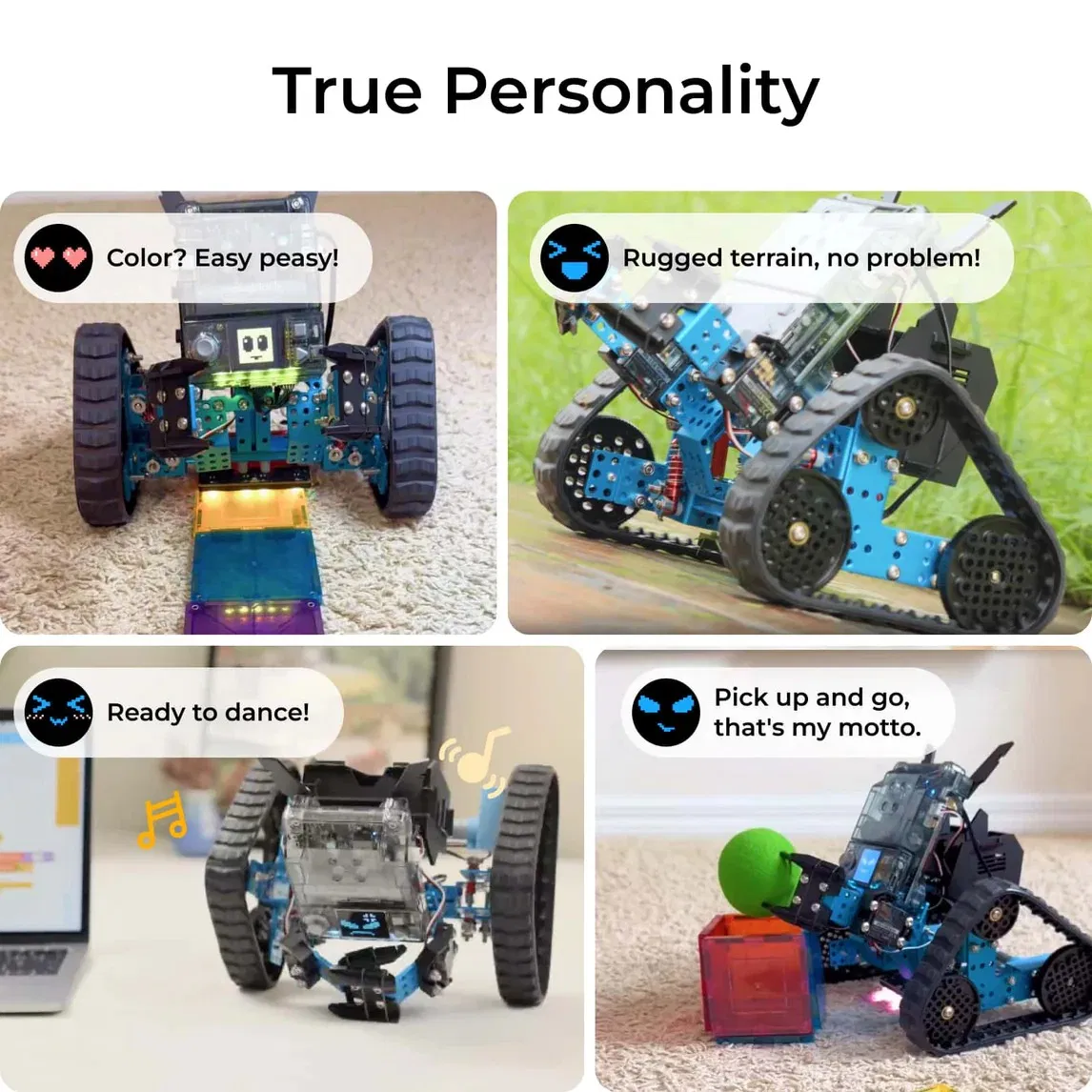
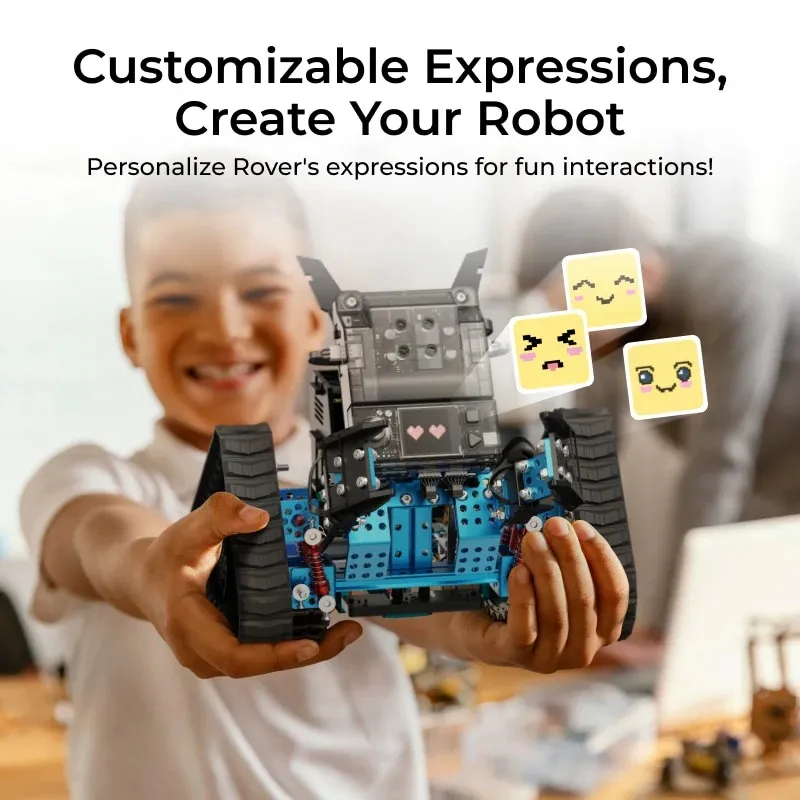
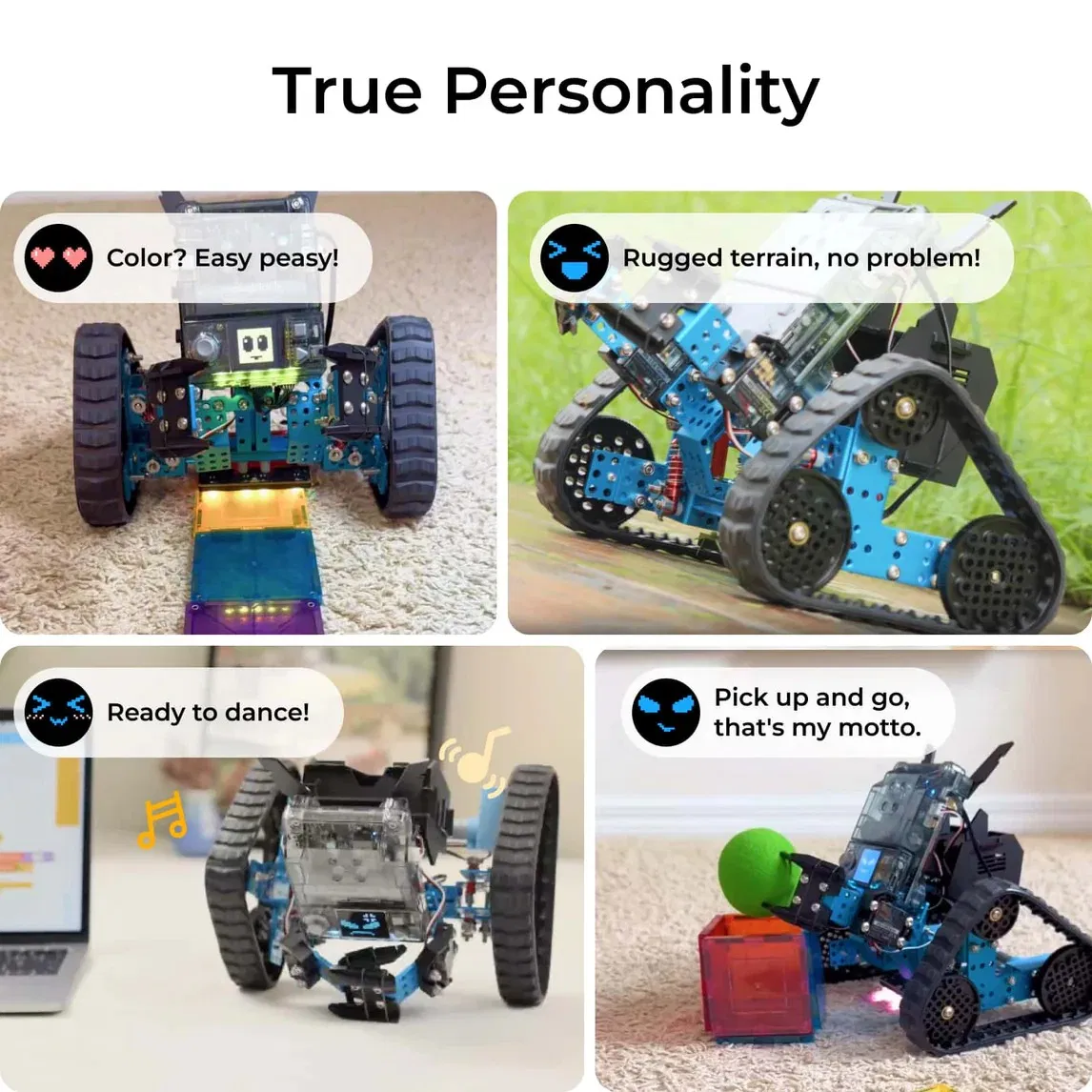
Full-color Display Screen: Supporting customize Rover's emojis through AI-generated or free doodling in mBlock software
✓
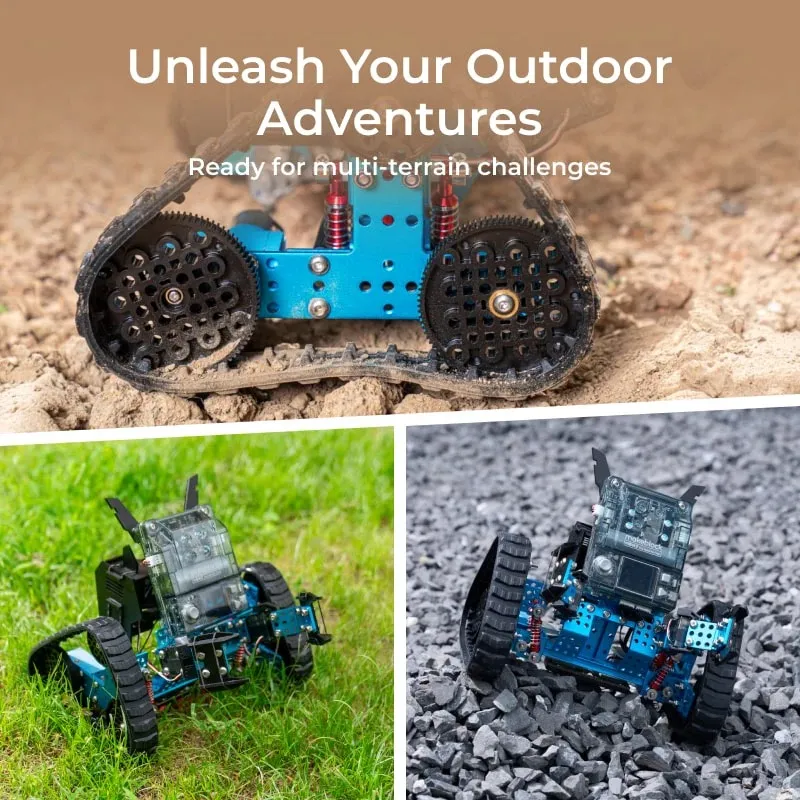
Innovative Robot Track: 2 types of design to fully unleash outdoor exploration in multi-terrains with shock-resistant
✓
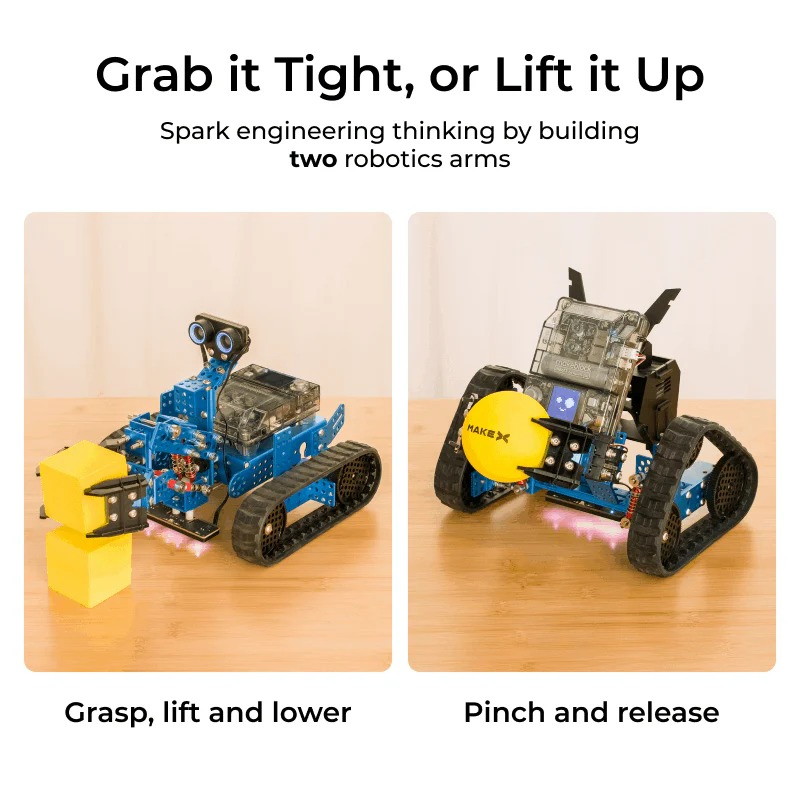
Lift it Up and Down: Spark engineering thinking by building 2 types of robotic arms
✓
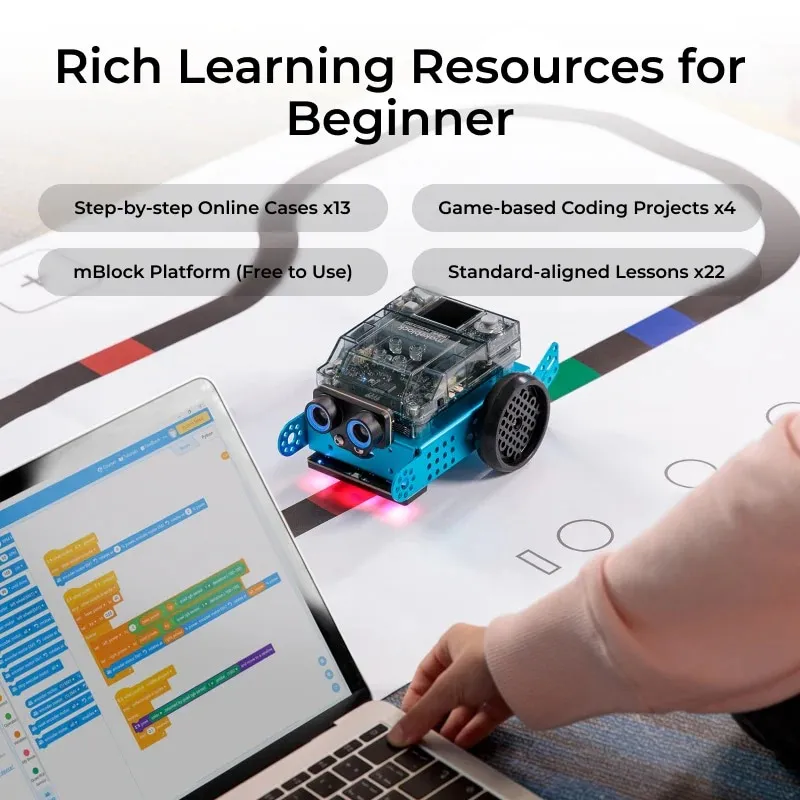
Rich Robot Actions: Line following, obstacle avoidance, light sensing, dancing, and playing music
✓
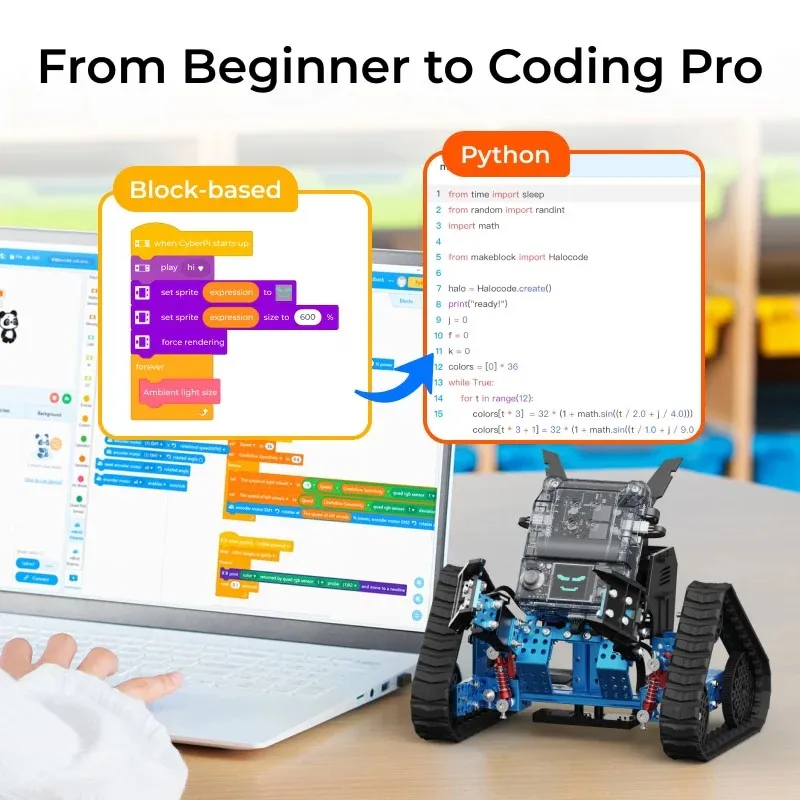
Support Coding Learning: From block-based to Python programming
✓
Safe and Durable: For homeschooling, in-class teaching, and more activities
| Brand |
Makeblock |
| Model |
mBot2 Rover Robotics Kit |
Product Specifications & Visuals
Frequently Asked Questions
Q: What age group is the mBot2 Rover suitable for?
A: It is designed primarily for children aged 3 to 7 years old, focusing on early coding and mechanical exploration.
Q: How many forms can I build with this kit?
A: The kit supports 3 main forms: the standard mBot2 coding robot, the mBot2 Rover tank with DIY emojis, and the mBot2 Ranger which includes a robotic arm.
Q: What programming languages does it support?
A: It supports a progressive learning path from beginner-friendly block-based coding to advanced Python programming.
Q: What is the battery life and charging time?
A: The robot provides approximately 1-2 hours of play time and requires about 1-2 hours for a full charge.
Q: Can it handle different terrains?
A: Yes, it features an innovative robot track with shock-resistant designs specifically made for outdoor exploration on multi-terrains.
Q: Are there any interactive sensors included?
A: Yes, the robot is equipped with sensors for line following, obstacle avoidance, and light sensing, and can also perform actions like dancing and playing music.
 Buddy robotics