📝
Product Description
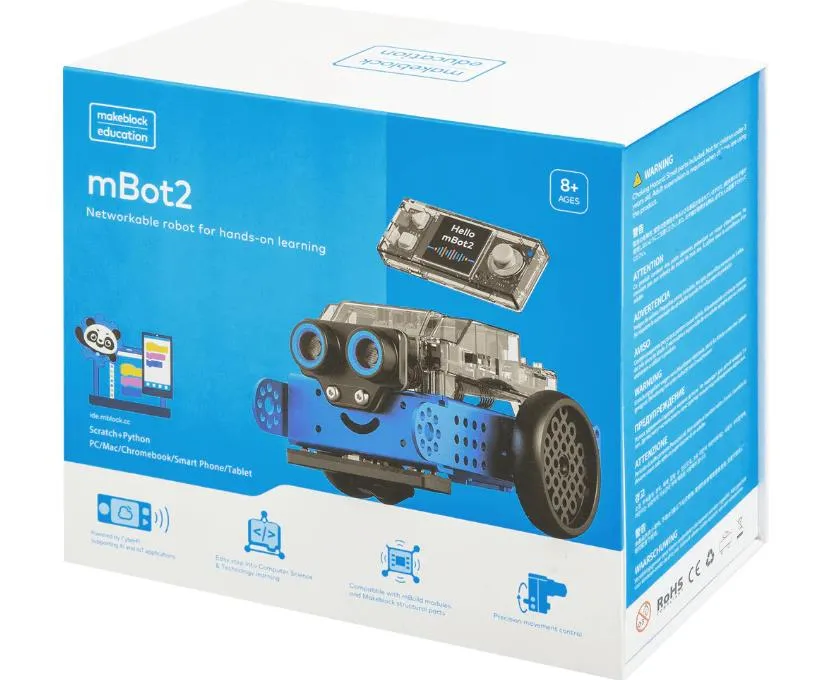
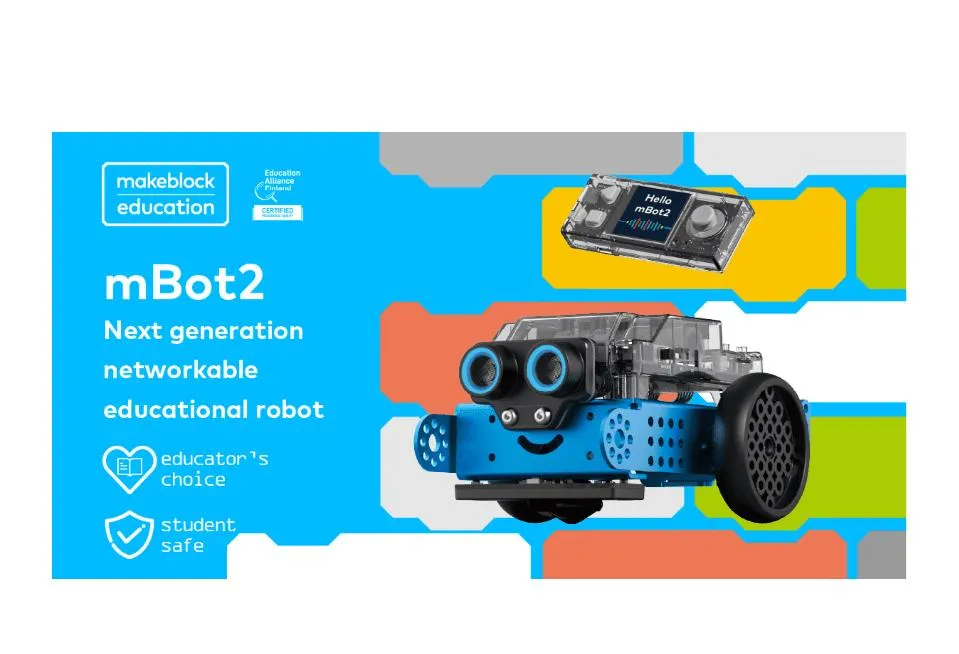
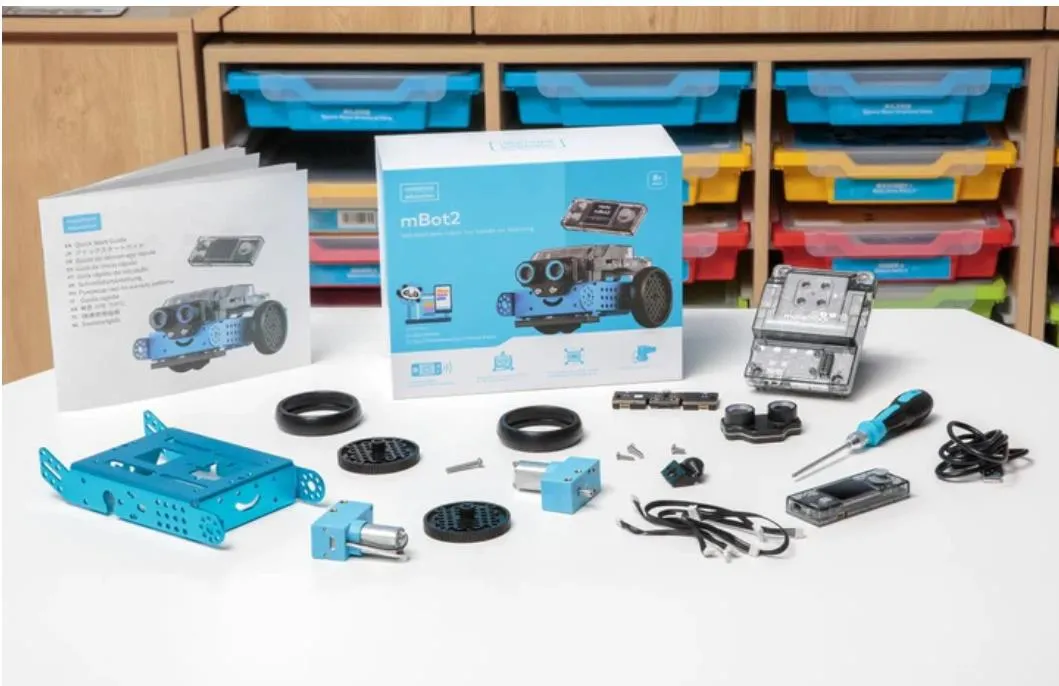
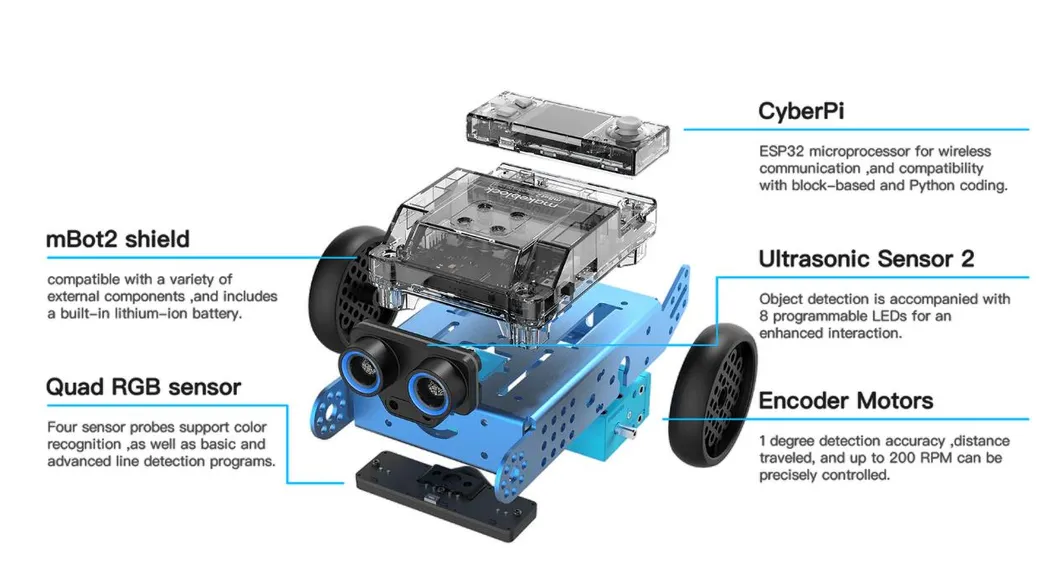
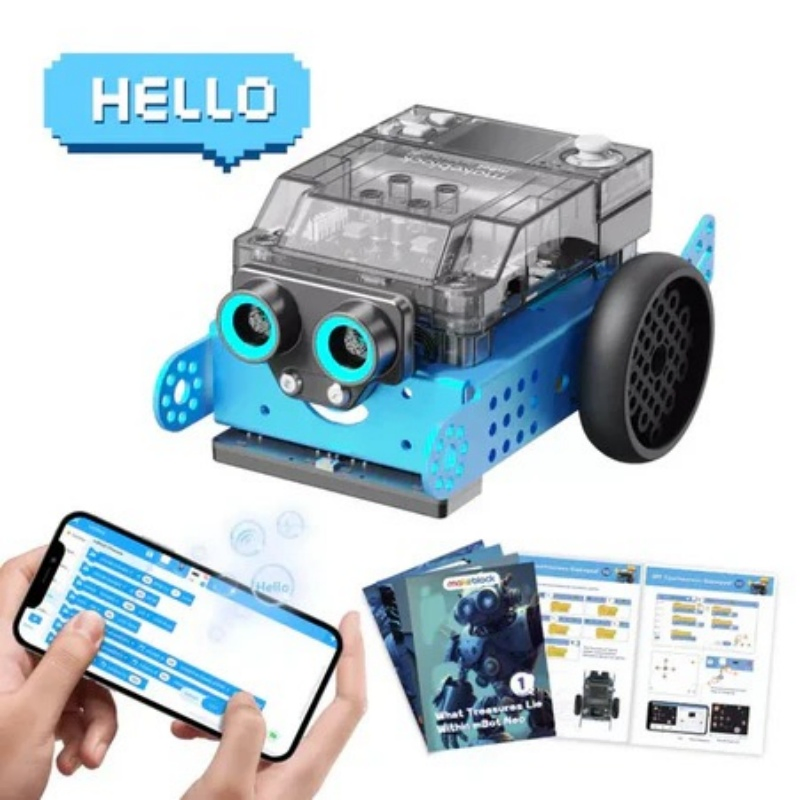
Aluminum robot perfect for long-term use in classrooms and homeschooling.
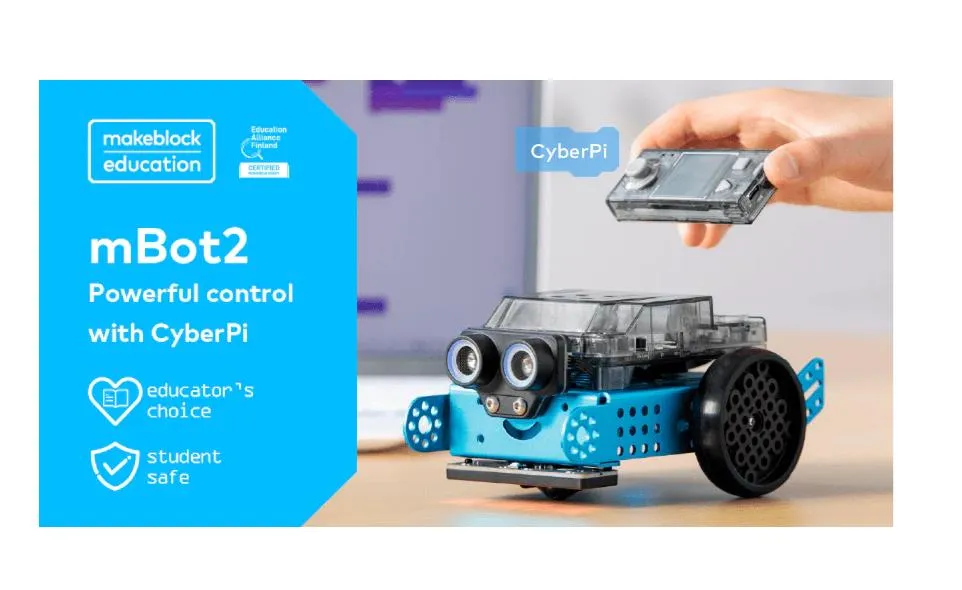
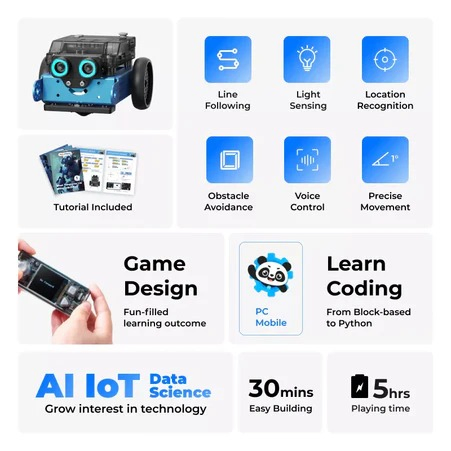
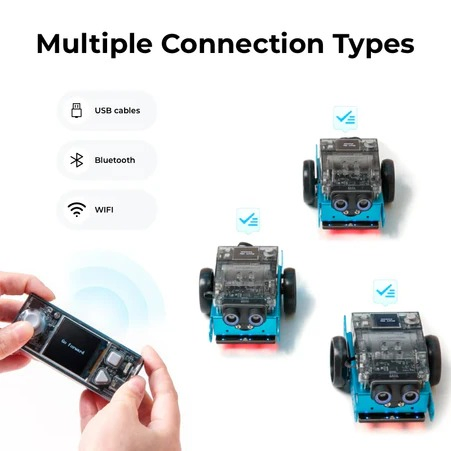
Use a smartphone, gamepad or auto-program to control. (Support Bluetooth & Wifi)
Well-combined sensors for robotics projects from easy to advanced.
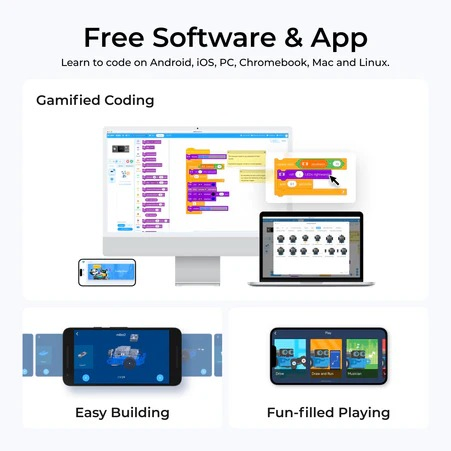
Learn to code from Block-based to Python programming.
STEAM Activity Educator Guide to support your programs in after-school programs, STEM club, course design, computer lab, and competition.
| Onboard sensor |
Light sensor, microphone, gyroscope, accelerometer |
| Operating system |
Compatible with Windows, Mac OS, Linux, android |
| Coding language |
Scratch-like block coding, Python on mBlock, CyberPi can support Arduino IDE for c/c++ |
| Speed Max |
Reach 20cm/s |
| External electronic modules |
8 motor & servo ports & 10+ chain up with 1 mBuild port |
| Communication mode |
USB, Bluetooth option, 2.4G Wi-Fi option |
Frequently Asked Questions
What age group is the mBot2 designed for?
The mBot2 is specifically designed for children aged 3 to 7 years, making it an ideal entry-point for early STEM education.
Which programming languages does mBot2 support?
It supports a wide range of coding options, from Scratch-like block-based coding for beginners to Python and even C++ via the Arduino IDE for advanced users.
What is the battery life and charging time?
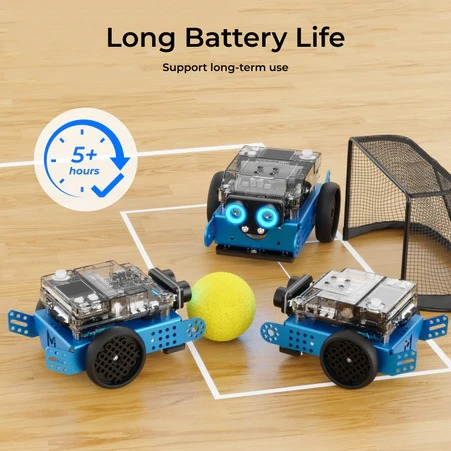
The robot provides approximately 5 hours of continuous play time on a full charge, and it only takes 1 hour to fully recharge.
Can I control the robot wirelessly?
Yes, it supports wireless control via smartphone, gamepad, and features both Bluetooth and 2.4G Wi-Fi connectivity options.
What operating systems are compatible with the software?
The mBot2 coding environment is fully compatible with Windows, Mac OS, Linux, and Android systems.
What built-in sensors are included?
The mBot2 comes equipped with a light sensor, microphone, gyroscope, and accelerometer to support diverse robotics projects.
 Buddy robotics