🤖 Product Description
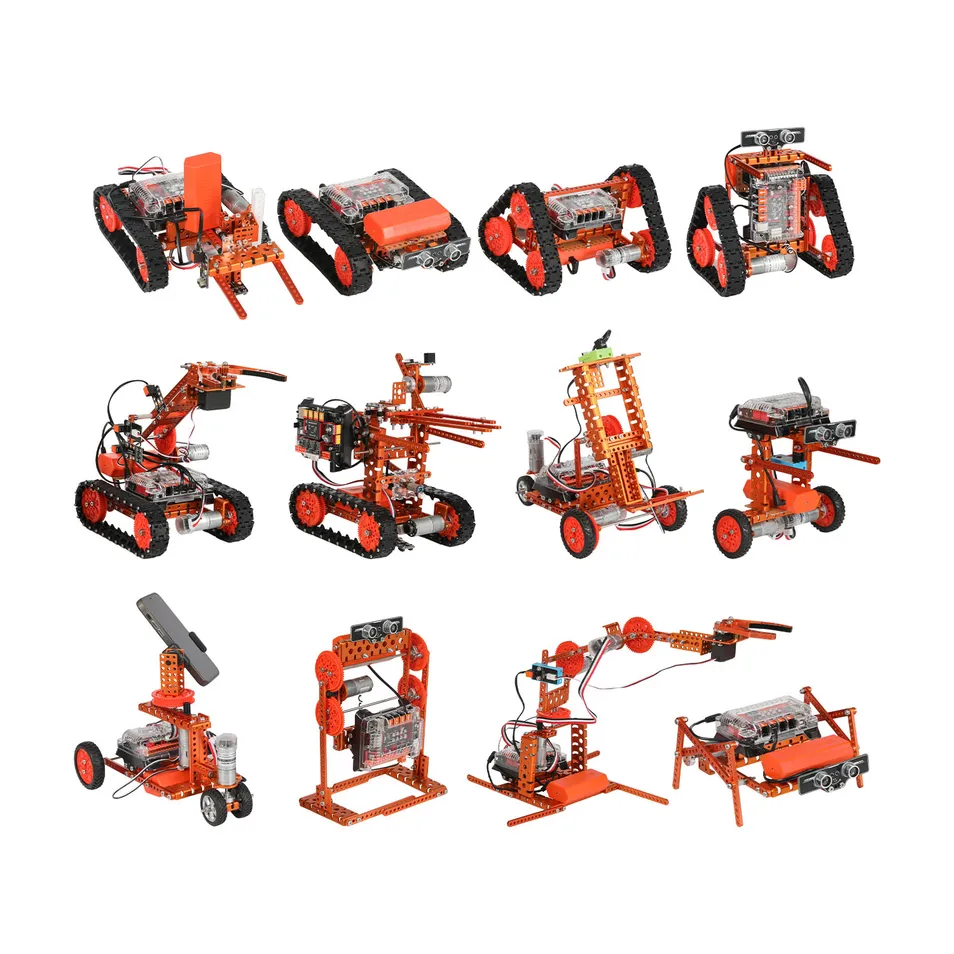
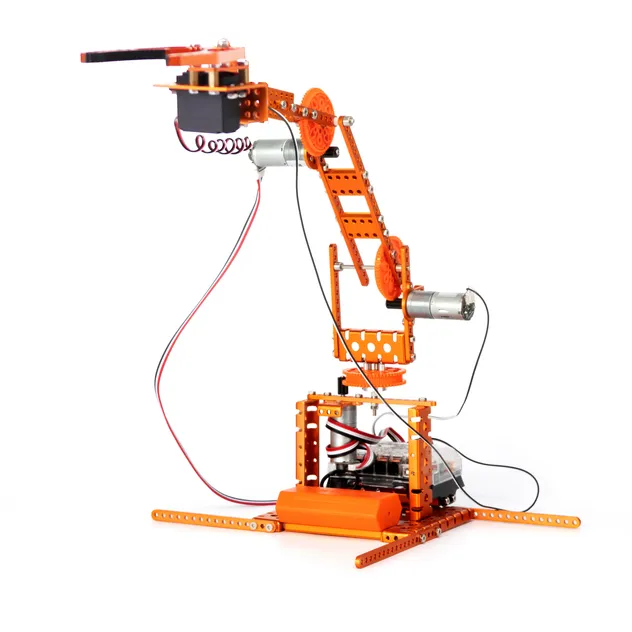
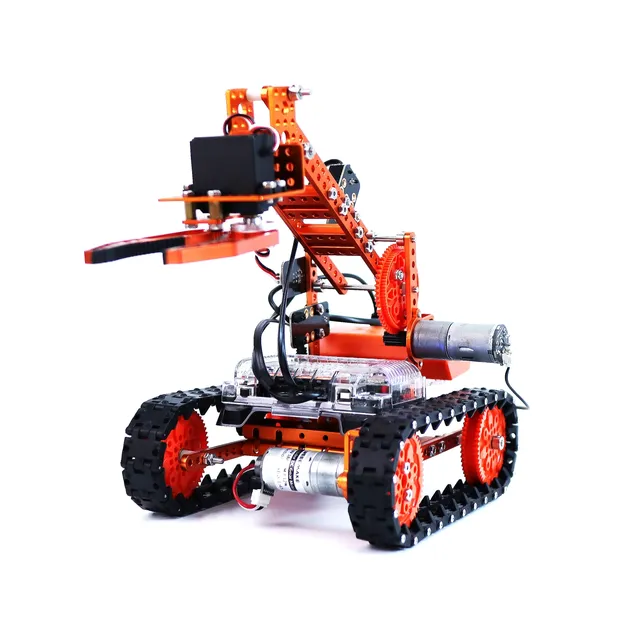
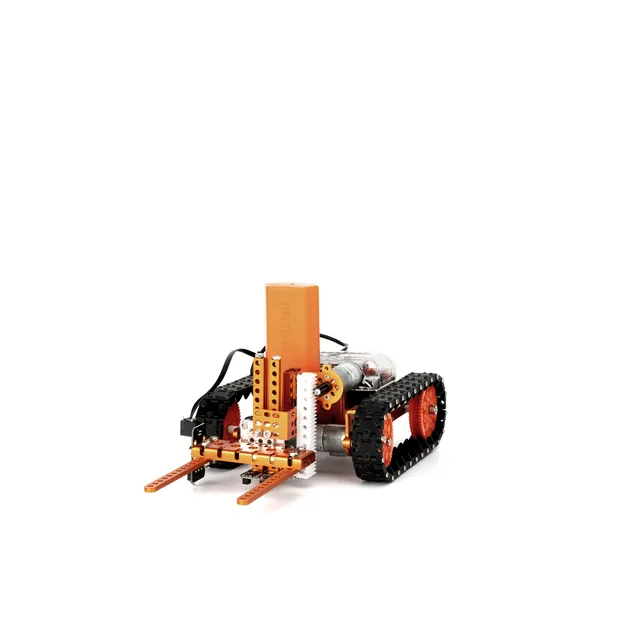
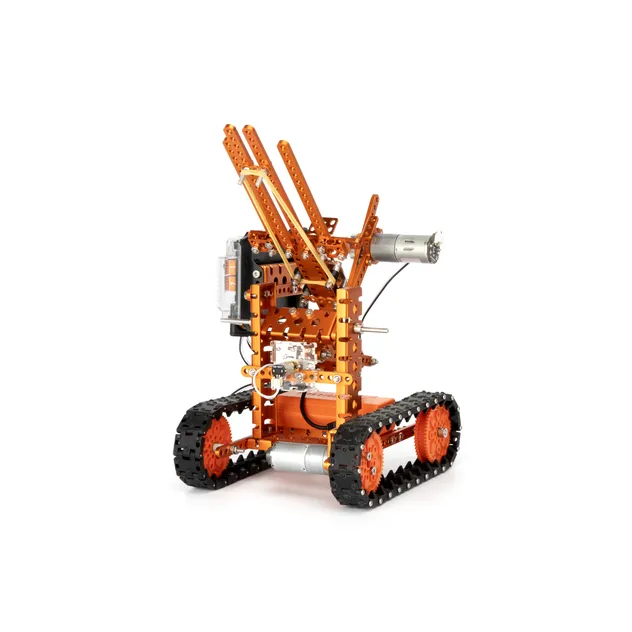
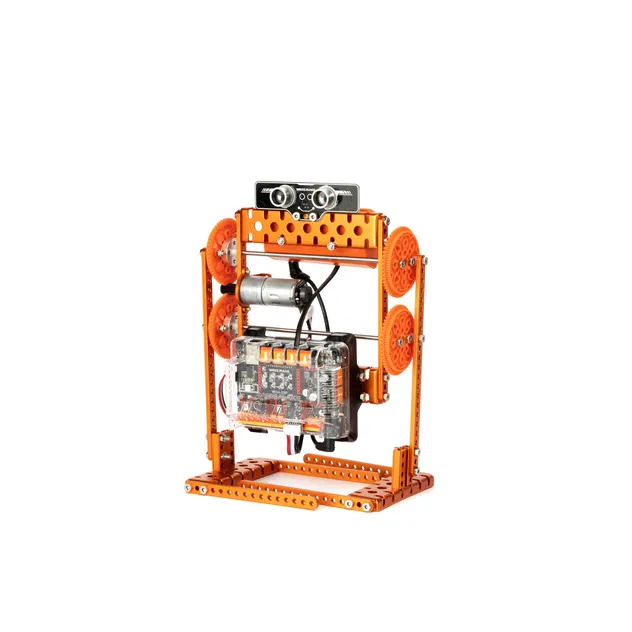
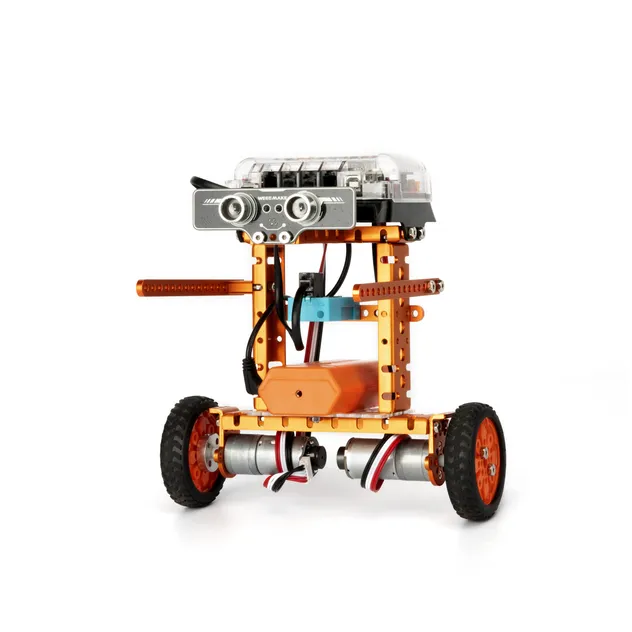
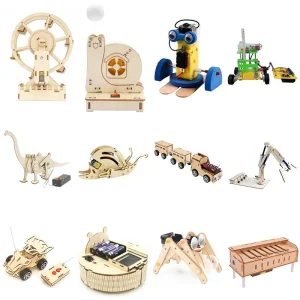
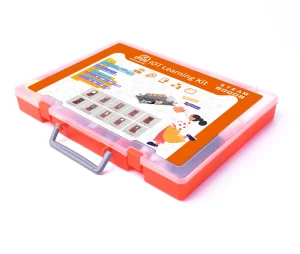
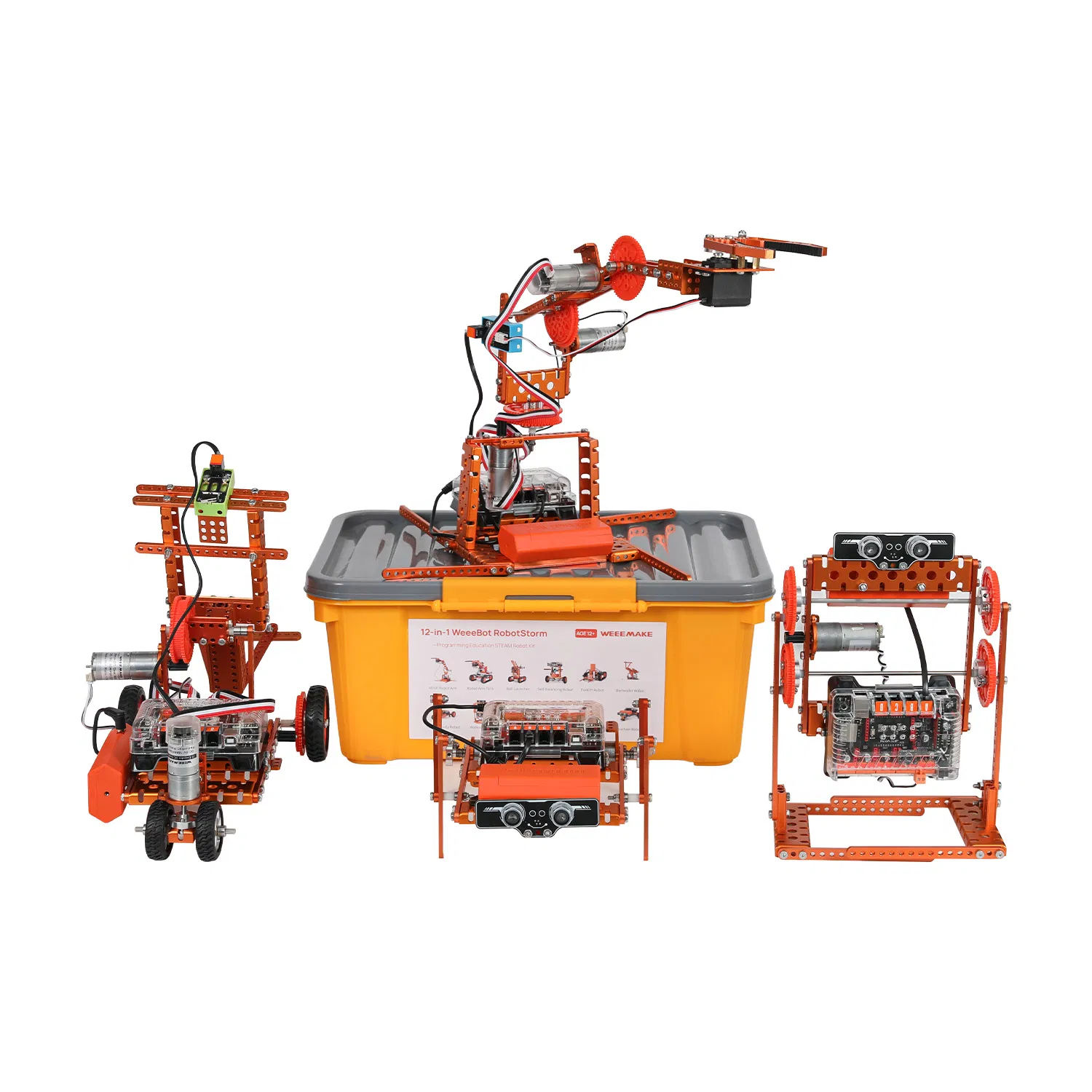
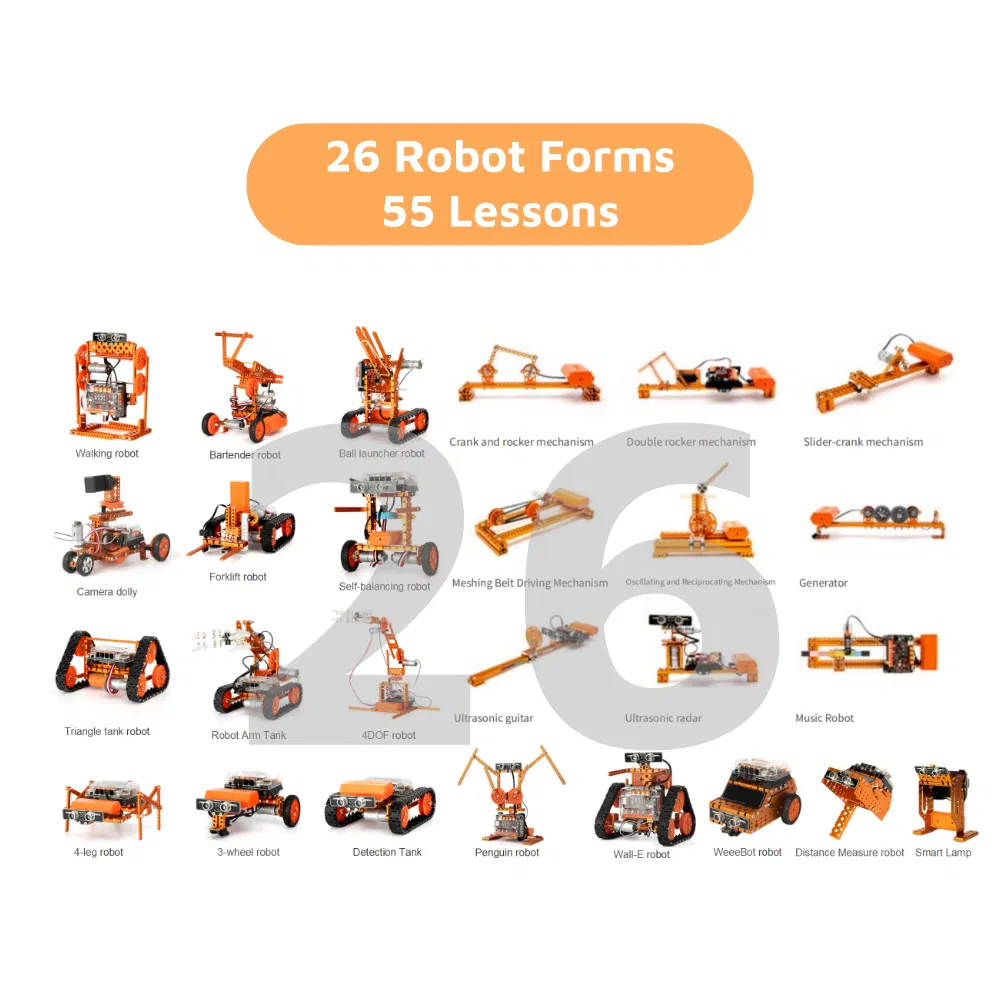
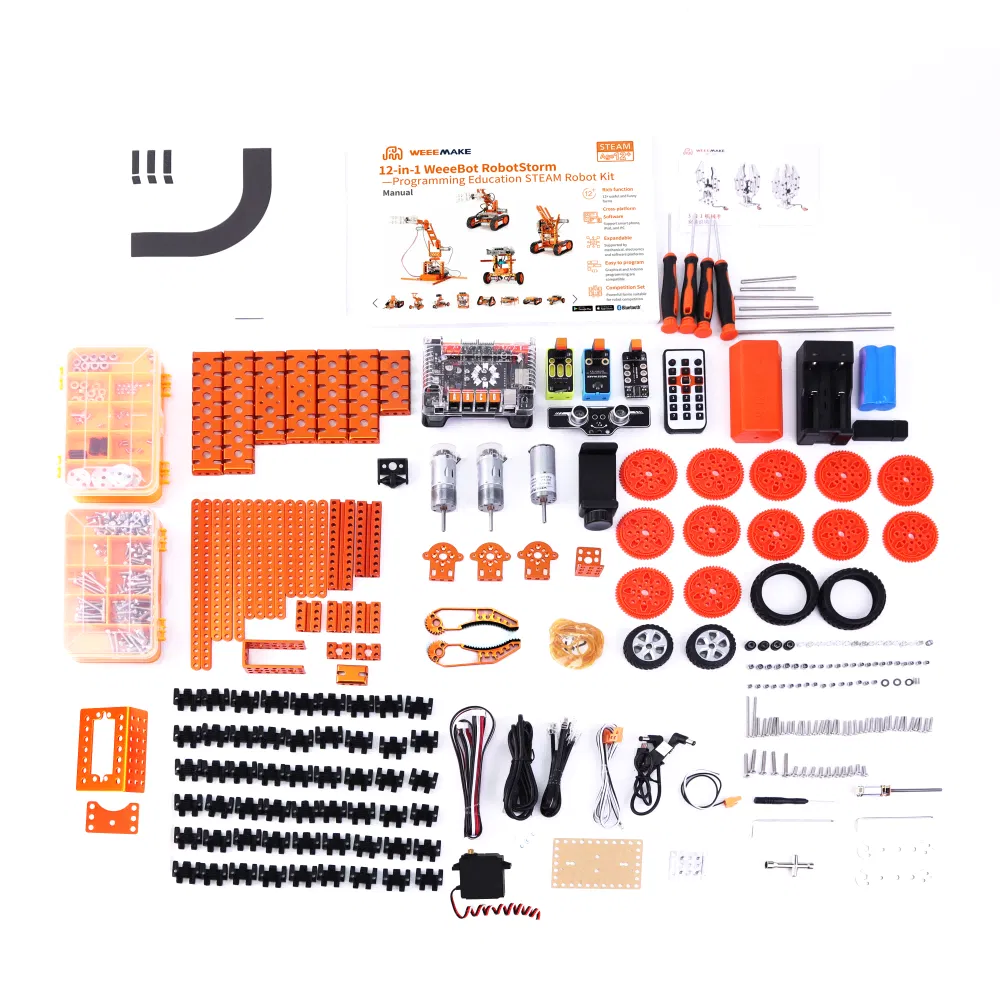
12 in 1 RobotStorm STEAM Robot Kit is a multi-functional DIY ultimate STEAM robot kit. It has more than 450 parts and contains 12+ cool pre-set forms. Whether you are a mechanical or an electronics engineer, a software engineer, a teacher, a student, or a maker, this kit allows you to easily learn robot-related mechanical structure, electronics, and programming knowledge, and encourage teamwork for robot competition.
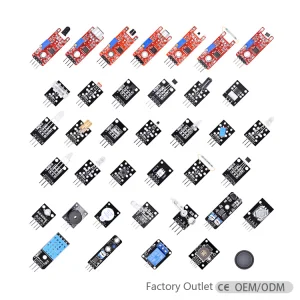
This kit is a powerful parts library consisting of more than 450 parts. With heavy-duty mechanical parts such as beams, plates, brackets, gears, grippers, tracks, shafts, wheels, and easy-to-use electronic modules like ELF mainboard, RGB ultrasonic sensor, Line-following sensor, gyroscope sensor, limit switch, RGB LED-8 module, light sensor, sound sensor, buzzer, IR receiver, Bluetooth module, and Bluetooth dongle.
🧠 ELF Mainboard
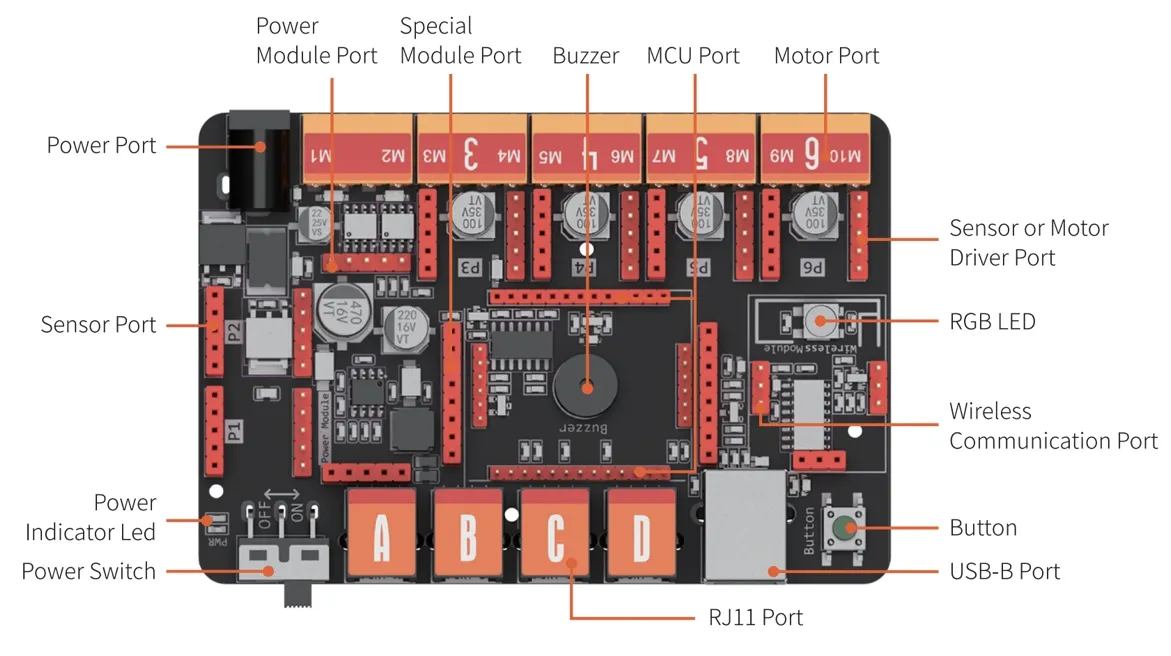
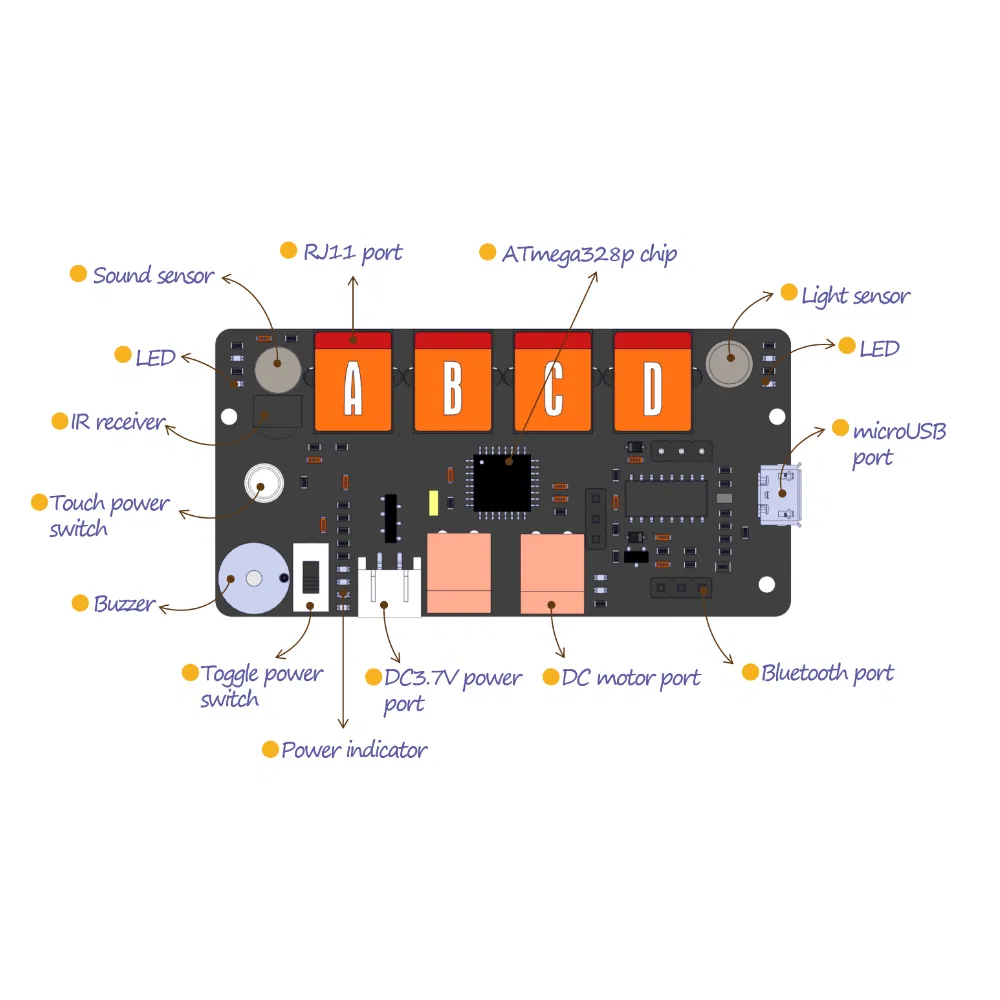
The ELF mainboard is designed on the basis of modular design style whose microchip is replaceable. This high-performance mainboard is designed for education:
1. Replaceable microchip: Support ATMEGA-328P, ESP32 chip, etc.
2. Unified ports for motor driver and sensors, easy to use.
3. Compatible with WeeeCode and Arduino.
❓ Frequently Asked Questions
Q1: Why has my robot no response when I turn it on?
A: Check for low voltage (recharge or replace batteries), verify battery polarity (+/-), or check for incorrect wiring on the battery holder/motor.
Q2: The robot moves backwards when I command it to move forward. How to fix?
A: The motor wiring is reversed. Please reconnect the motor cables in the opposite direction.
Q3: How do I program the robot or restore factory settings?
A: Download WeeeCode software, connect to PC via USB, select the correct COM port. Use "Restore Firmware" to reset to factory or mobile settings.
Q4: Why can't the robot move with only a USB power supply?
A: USB power only supports the chip and sensors. To drive motors or servos, you must connect batteries and switch on the power button.
Q5: Why doesn't the Line-following Sensor work?
A: Ensure the distance to the map is 1-2cm, avoid strong ambient light interference, and ensure the map material is non-reflective.
Q6: Can I get a customization robot for my project?
A: Yes, we offer customization services including OEM and ODM. Please contact our support team for detailed inquiries.
 Buddy robotics