1 / 5
 Buddy robotics

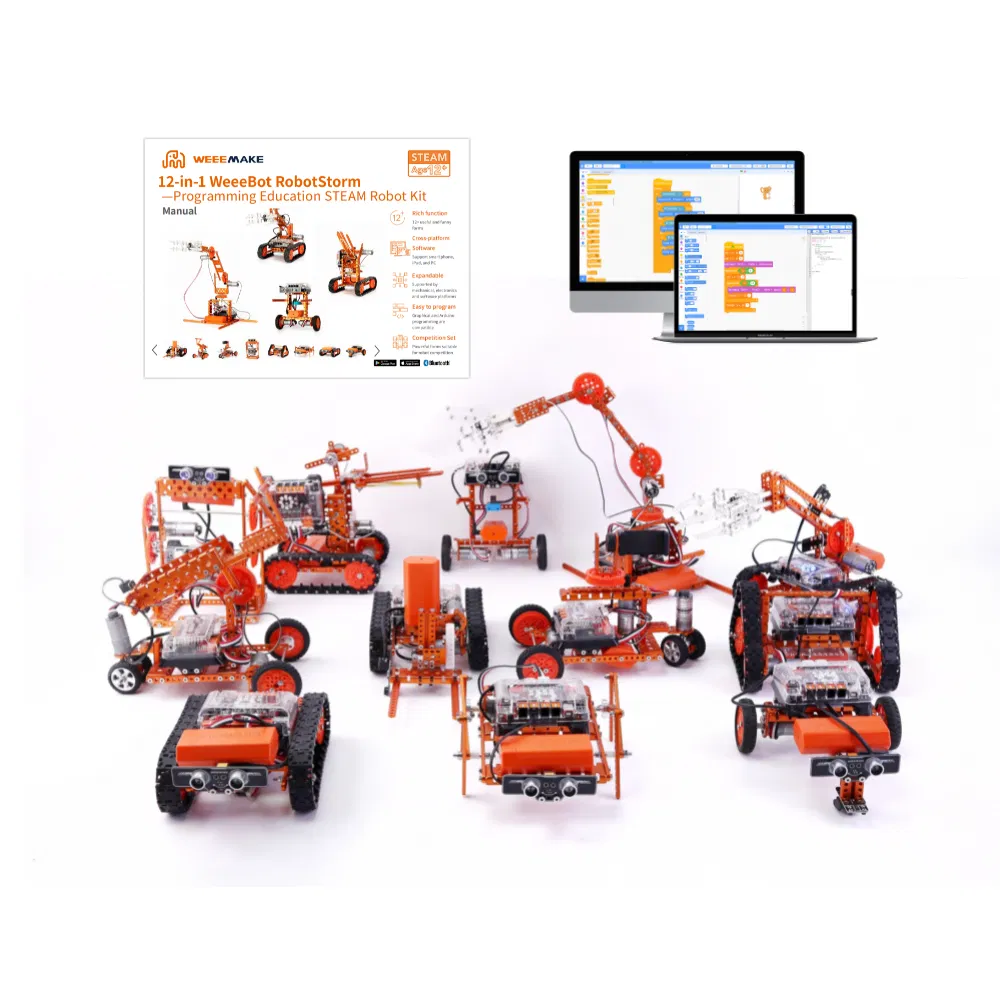
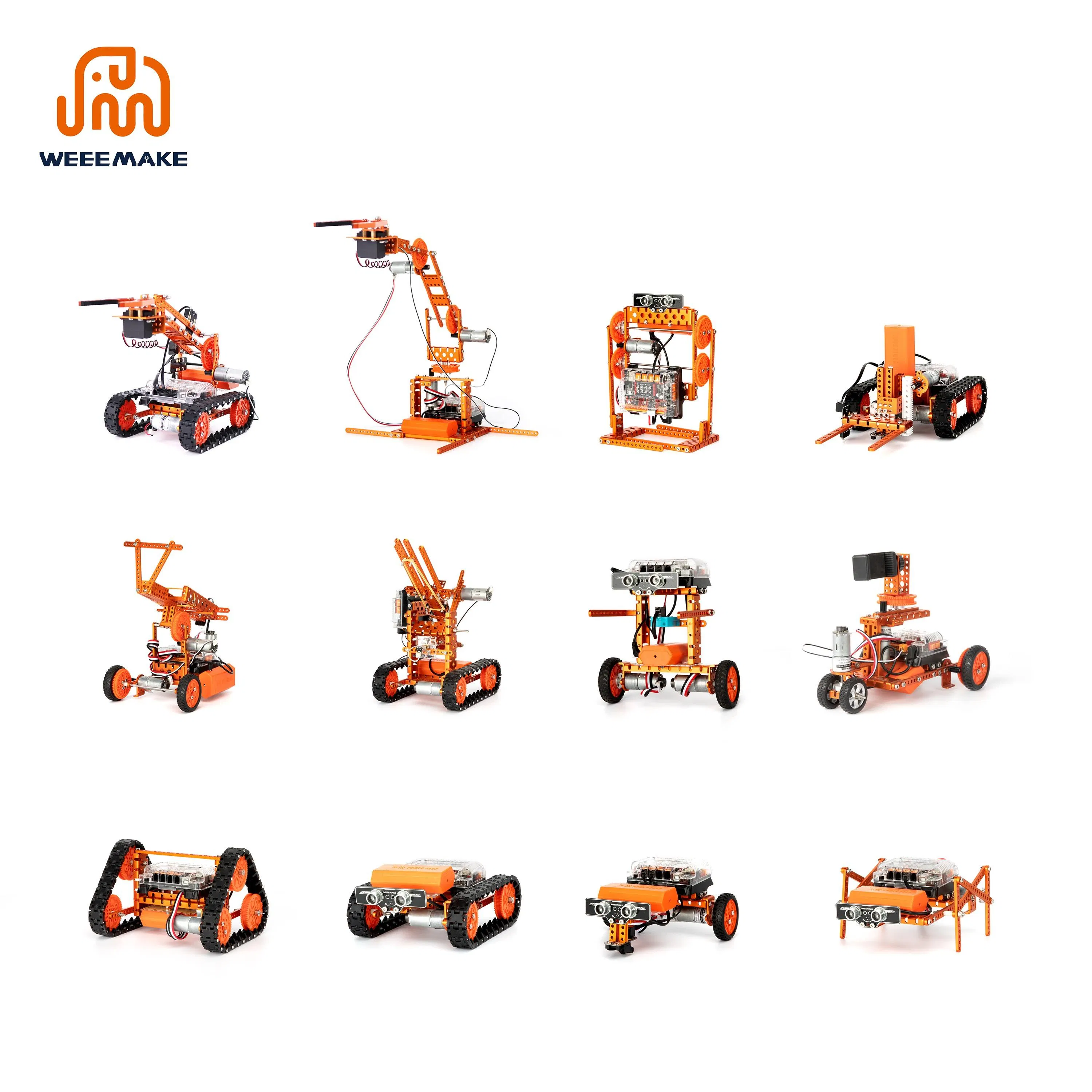
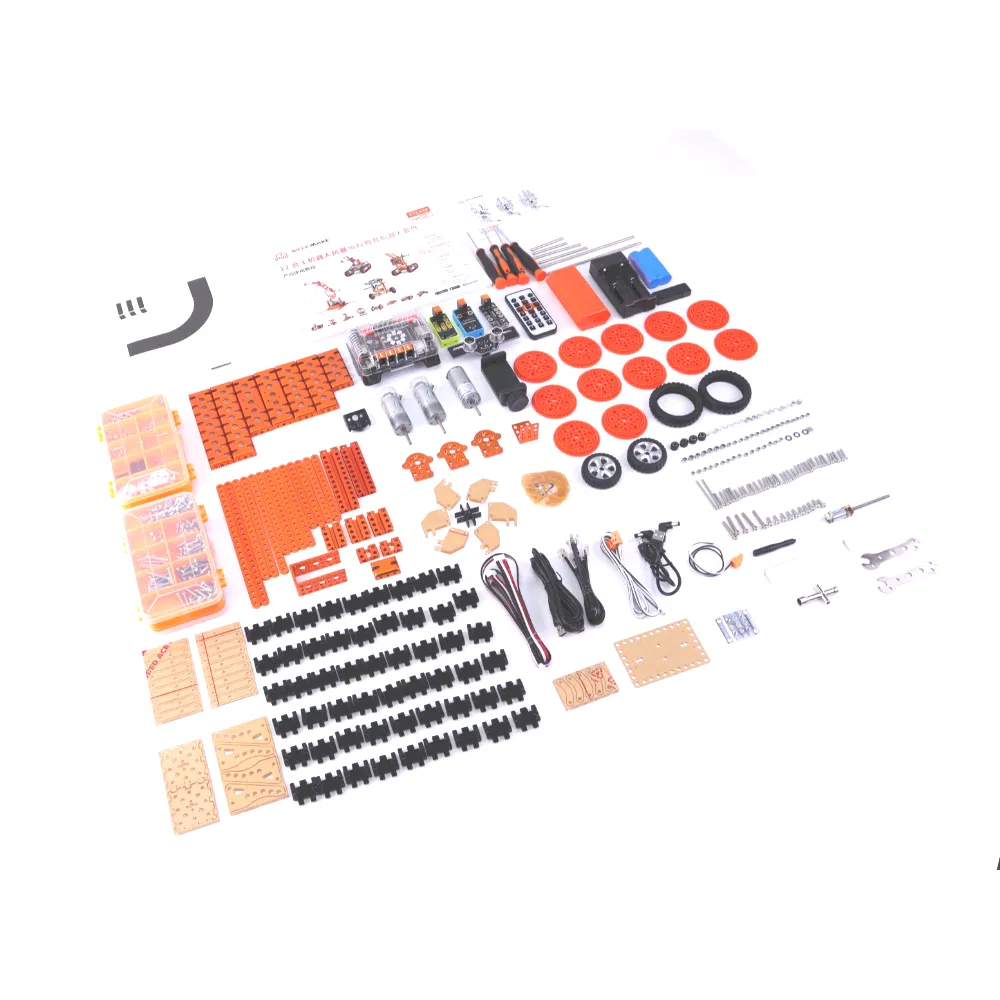
Weeemake 12-in-1 WeeeBot Robotstorm STEAM Robot Kit is a multi-functional DIY ultimate STEAM robot kit. It has more than 450 parts and contains 12+ cool pre-set forms. Whether you are a mechanical or an electronics engineer, a software engineer, a teacher, a student, or a maker, this kit allows you to easily learn robot-related mechanical structure, electronics, and programming knowledge, and encourage teamwork for robot competition.
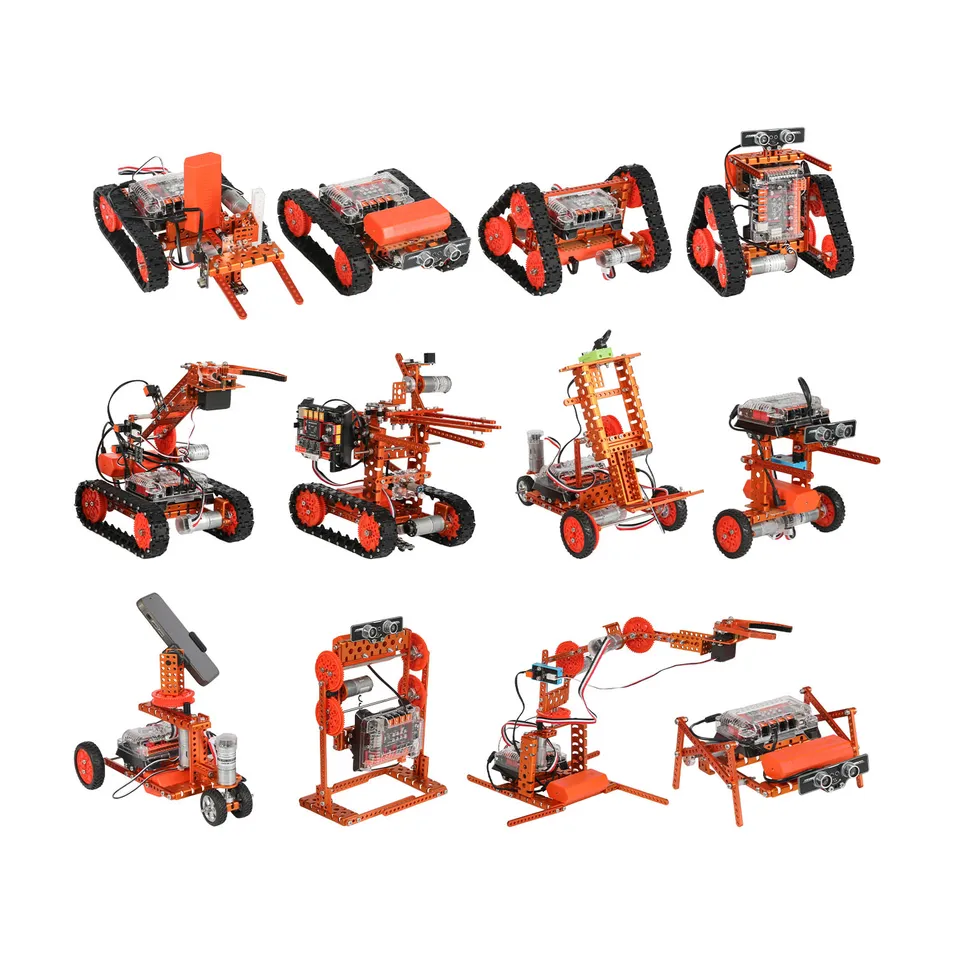
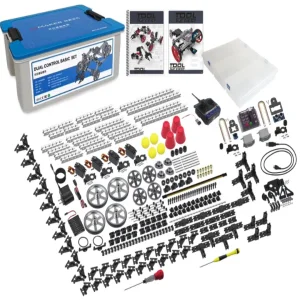
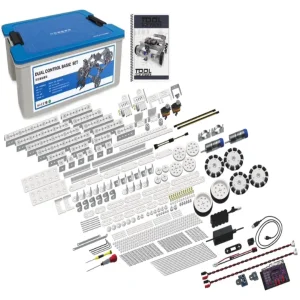
This kit is a powerful parts library consisting of more than 450 parts. With heavy-duty mechanical parts such as beams, plates, brackets, gears, grippers, tracks, shafts, wheels, and easy-to-use electronic modules like ELF mainboard, RGB ultrasonic sensor, Line-following sensor, gyroscope sensor, limit switch, RGB LED-8 module, light sensor, sound sensor, buzzer, IR receiver, Bluetooth module, and Bluetooth dongle.
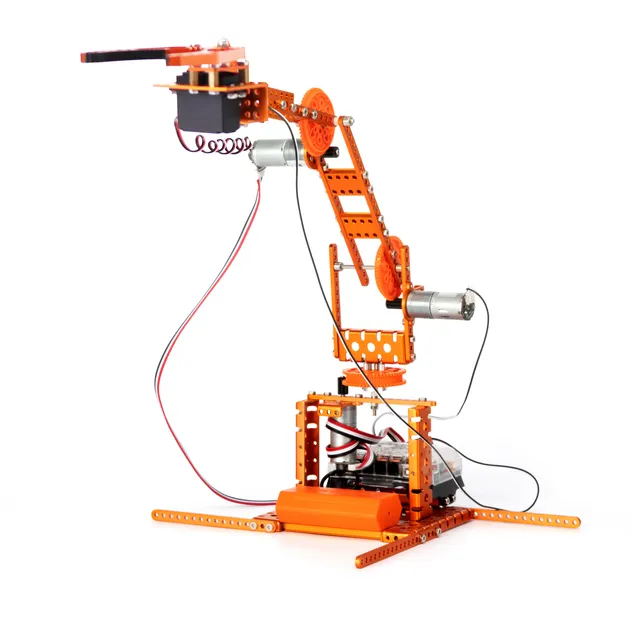
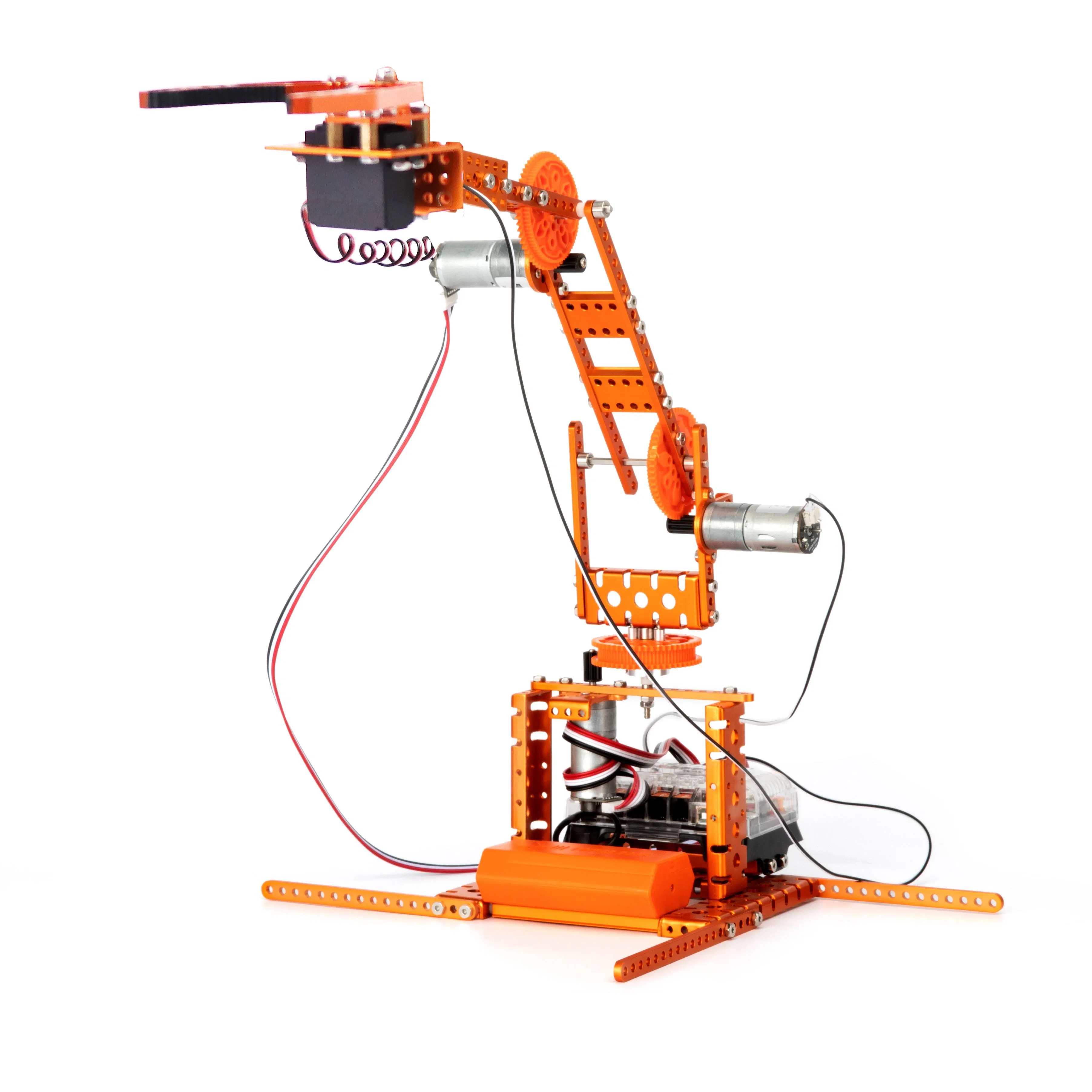
4DOF Robot Arm: Driven by two encoder DC motors and a servo motor.
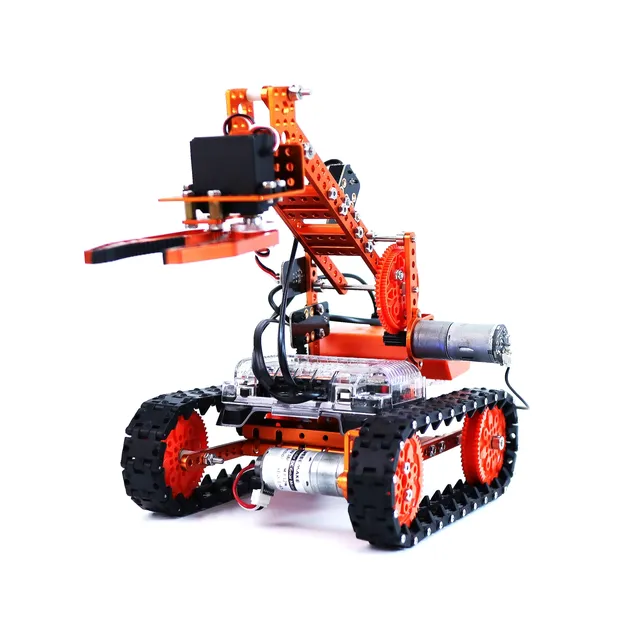
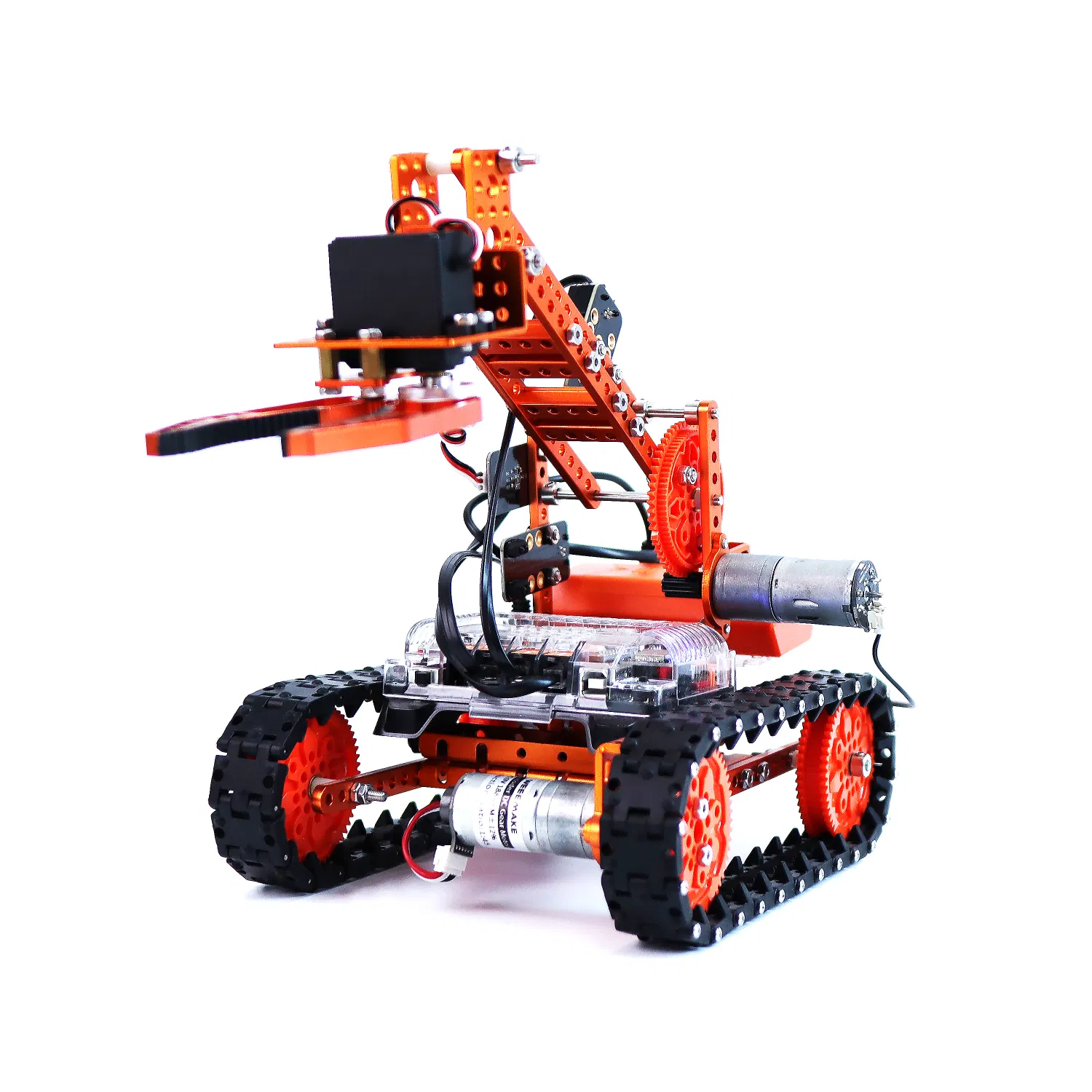
Robot Arm Tank: Consists of a tank chassis and a metal robot gripper.
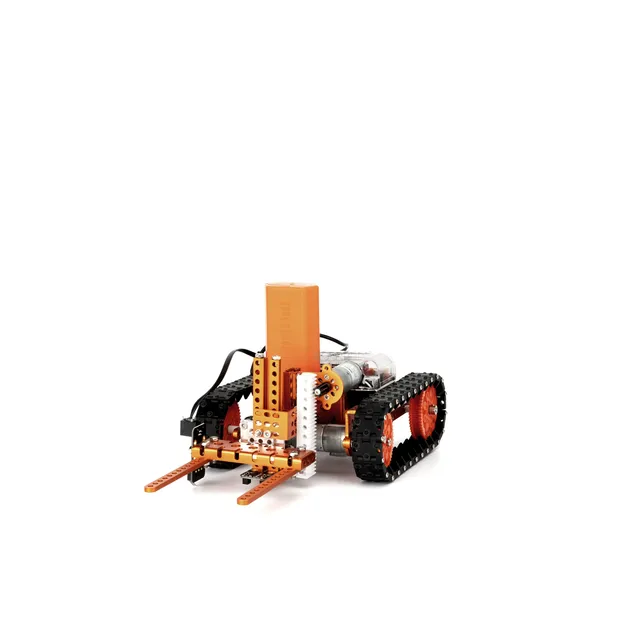
Forklift Robot: Can lift and move objectives using a transmission structure.
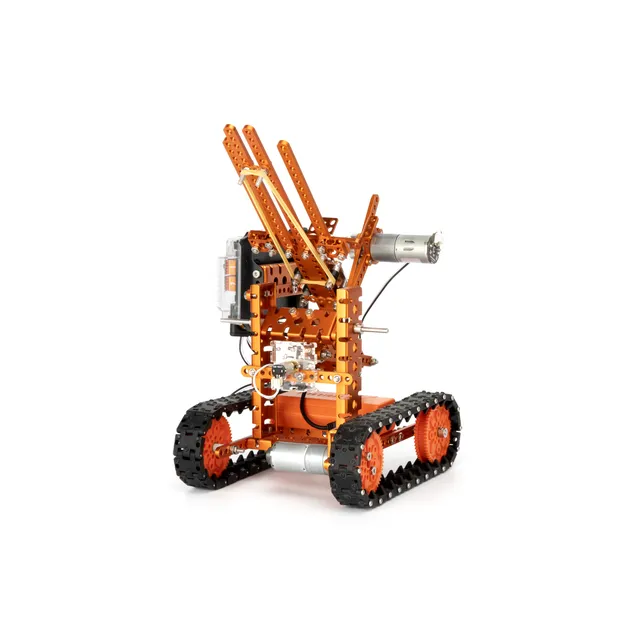
Ball Launcher Robot: Features a tank chassis and a shooting mechanism.
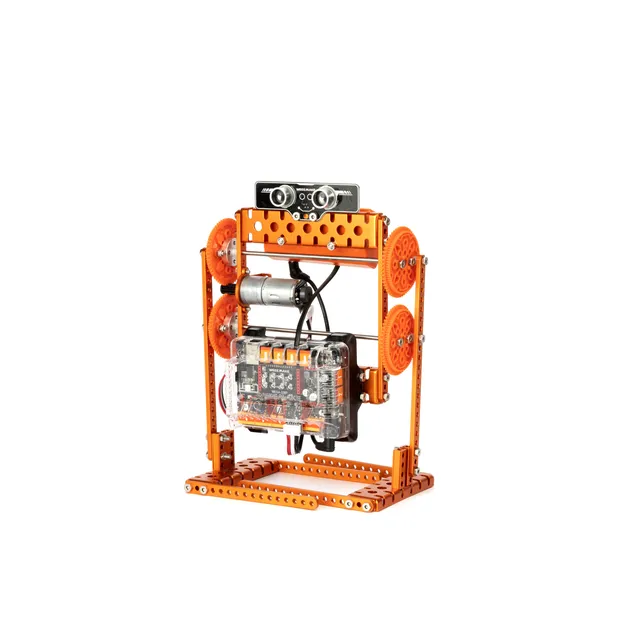
Walking Robot: Simulates human walking forward and backward.
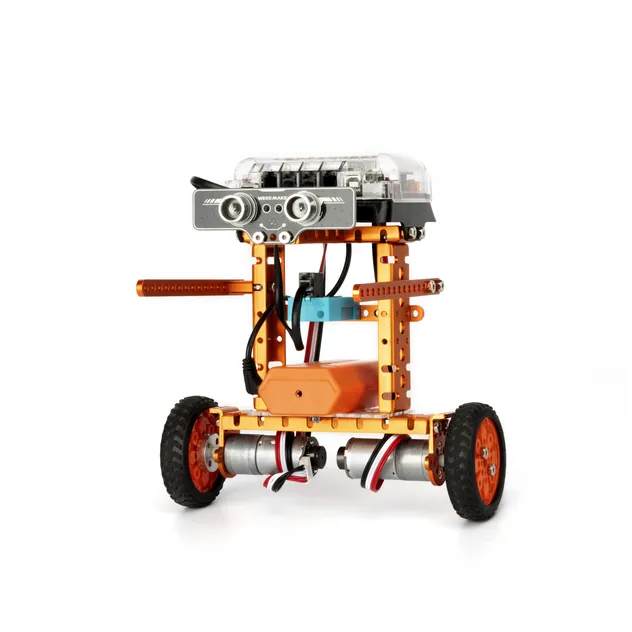
Self-balancing Robot: Supported by 3-axis gyroscope sensors.
Designed on modular design style with a replaceable microchip (ATMEGA-328P, ESP32). Features high performance for education with easy-to-use RJ11 ports.
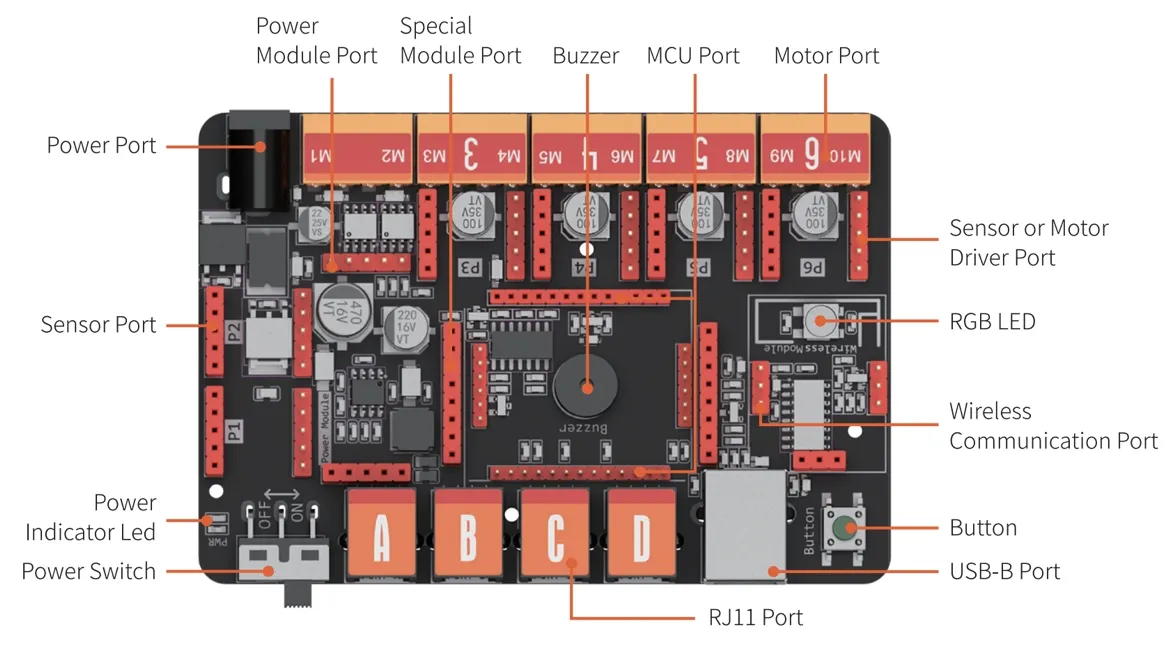
| Operation Voltage | 6-12V |
| Wiring Ports | 1x MCU port, 4x RJ11, 2x DC motor, 6x pin conversion, 1x Wireless, 1x USB (Type B) |
| Onboard Electronics | Buzzer, Button, RGB LED |
| Software | WeeeCode (Scratch 3.0), Arduino IDE |